
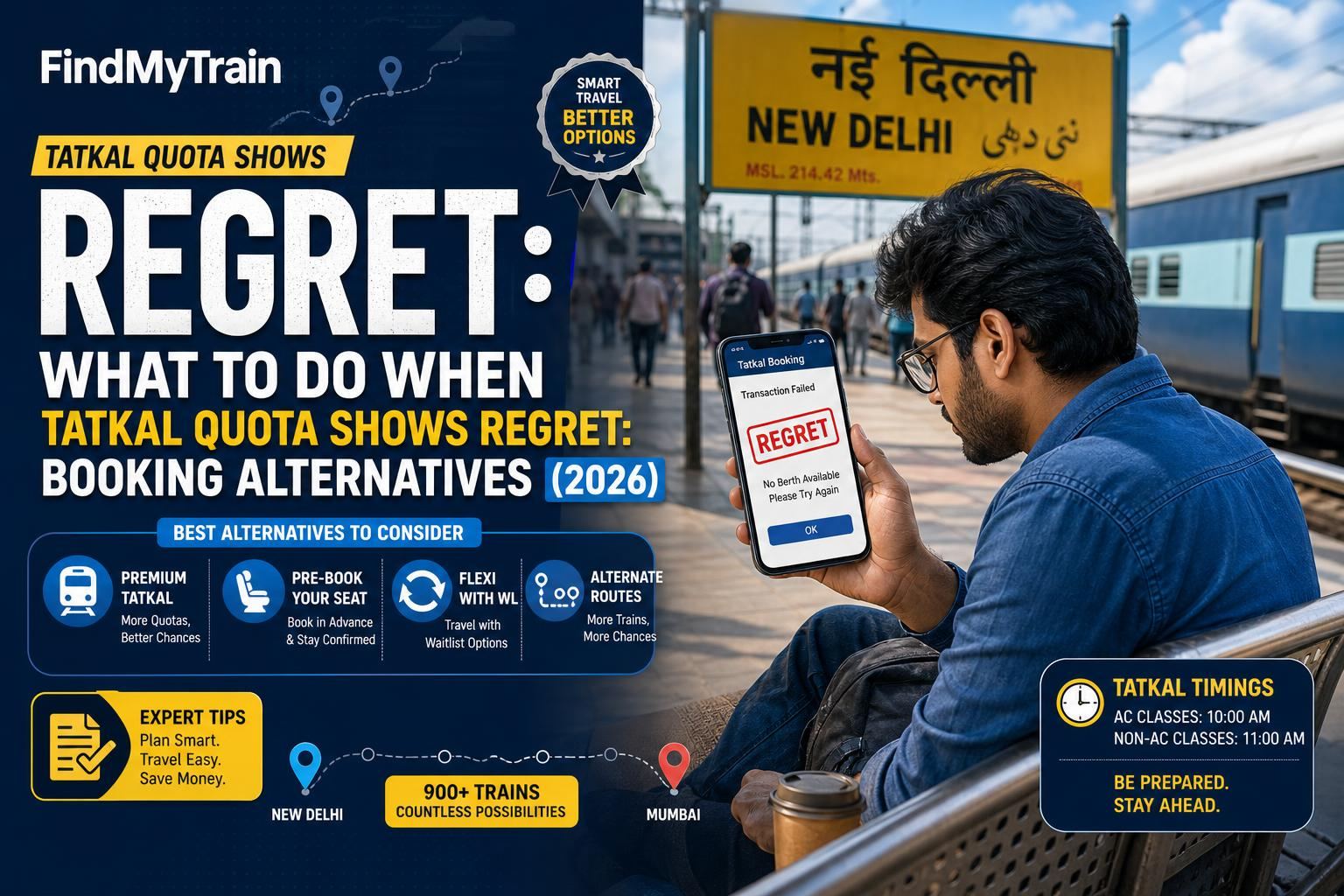
If Tatkal quota shows ‘Regret’ on IRCTC, standard Tatkal tickets for your train and class are completely sold out. You still have a few realistic options to get a train ticket—some faster than others. Here’s what experienced travellers do, in order of what works most often.
Try Premium Tatkal Quota if It’s Available
On many popular trains, a Premium Tatkal (PT) quota exists alongside the standard Tatkal. Premium Tatkal tickets cost more, but if you see ‘Regret’ for normal Tatkal, check if PT is shown for your train/class on the IRCTC website or app:
- Search for your train and class again.
- Look for the ‘PT’ or ‘Premium Tatkal’ option. If available, it will show a higher fare.
- If seats are open, book immediately. Premium Tatkal seats can disappear in seconds.
Premium Tatkal fares are dynamically priced. You’ll see the actual charge at booking. If ‘Regret’ appears here too, move to the next step.
Check for General Waiting List or Other Quotas
Even if Tatkal is full, the General (GN) quota and other quotas (Ladies, Senior Citizen, Defence, etc.) may have seats or waiting list available:
- Go back to the train search results.
- Switch quota from Tatkal to General or try other quota options in the dropdown.
- If you see WL (Waiting List) instead of ‘Regret’, you can book a waiting list ticket. This gives you a chance to get confirmed if others cancel.
See our PNR status guide for how to track waiting list progress and what happens if your ticket is not confirmed.
Try Booking from a Nearby Station or Different Class
Some trains are full only between the main city pairs. If you can travel from or to a nearby station (even 30-80km away), you may find Tatkal or General quota seats still open:
- Change ‘From’ or ‘To’ station to a smaller stop before/after your actual boarding/destination.
- Set your intended boarding station using the ‘Change Boarding Point’ feature during booking.
- Consider switching to Sleeper (SL) or 2nd Sitting (2S) if AC is full, or vice versa.
This trick works best on long-distance trains that have multiple quota splits.
Check Current Booking After Chart Preparation
If your train departs in less than 4 hours and the chart has been prepared, unsold seats are released under ‘Current Booking’:
- Visit the counter at the origin station or check the IRCTC app/website for ‘Current Booking’.
- Current Booking is first-come-first-served for any remaining berths after charting.
Not all trains offer current booking online. For many, you need to go to the station counter. Carry an ID proof and cash/card.
Look for Special Trains or Alternate Routes
During peak seasons, Indian Railways often runs ‘Special’ trains, which may have last-minute seats:
- Change your search filter to include ‘Special’ or ‘Holiday Special’ trains.
- Try alternate major routes (for example, via a junction city) and see if a combination of two trains is available.
Split your journey if needed—book two shorter tickets (e.g., Mumbai to Bhopal + Bhopal to Delhi) if direct tickets are full.
If All Else Fails: On-Board Ticketing and Last-Minute Tips
If you cannot get an online ticket in any quota, you have a couple of last-ditch options:
- Go to the departure station and speak to the Train Ticket Examiner (TTE) before boarding. Sometimes, last-minute no-shows or quota releases get allotted on the platform, especially in Sleeper class.
- Unreserved (General) tickets can be bought for many trains up to departure time, but these do not guarantee a seat. You must travel in designated unreserved coaches.
Travelling without any ticket or with only a waiting list e-ticket (not confirmed) is not allowed in reserved coaches. For more, see our Tatkal booking guide.
How to Spot ‘Regret’ on IRCTC and What It Means
When you see ‘Regret’ in place of the Waitlist number under Tatkal quota, it means:
- All Tatkal seats and waitlist slots are exhausted.
- No further Tatkal booking is possible for that train/class.
- Refresh the page or try another device to confirm—the status updates in real time.
Don’t waste time trying to ‘retry’—once ‘Regret’ shows, no more Tatkal bookings will go through.
Summary Table: What to Try When Tatkal Shows Regret
| Option | How to Check | Success Rate |
|---|---|---|
| Premium Tatkal | Look for ‘PT’ option in search results | Best if quick |
| Other Quotas/Waiting List | Switch quota to General/others | Good if not peak |
| Nearby Station/Alternate Class | Change station/class in search | Medium |
| Current Booking (After Chart) | Go to station or try ‘Current Booking’ online | Possible last minute |
| Special Trains/Alternate Route | Search for special/holiday trains or break journey | Medium |
| On-Board/Unreserved | Buy at station, ask TTE | Last resort |
If you do manage to book a waitlisted ticket, keep checking your PNR status for updates. Refund rules are different for Tatkal and waitlisted tickets—see our refund rules guide for details.
Frequently Asked Questions
What does 'Regret' mean when booking Tatkal tickets?
'Regret' means all Tatkal seats and waitlist slots are sold out for that train/class—no further Tatkal booking is allowed.
Can I book Premium Tatkal if normal Tatkal shows Regret?
Yes, if Premium Tatkal quota is available, you can book it even if regular Tatkal is full. Look for ‘PT’ or ‘Premium Tatkal’ in the train search.
Is it legal to travel with only a waitlisted e-ticket?
No, only confirmed and RAC e-tickets are valid for travel in reserved coaches. Waitlisted e-tickets are automatically cancelled at charting; do not board with just a WL e-ticket.
How do I use Current Booking after the chart is prepared?
After the chart is made (usually 3-4 hours before departure), remaining berths are sold as ‘Current Booking’ at station counters or sometimes online on IRCTC.
Can I try booking from a nearby station if my main station is full?
Yes, changing your boarding or destination station to a nearby stop often reveals seats still available. Set your actual boarding point while booking.
What are my options if all quotas show Regret or WL is not moving?
Try for unreserved tickets, approach the TTE at the station for last-minute allocation, or look for special/alternate trains or routes.