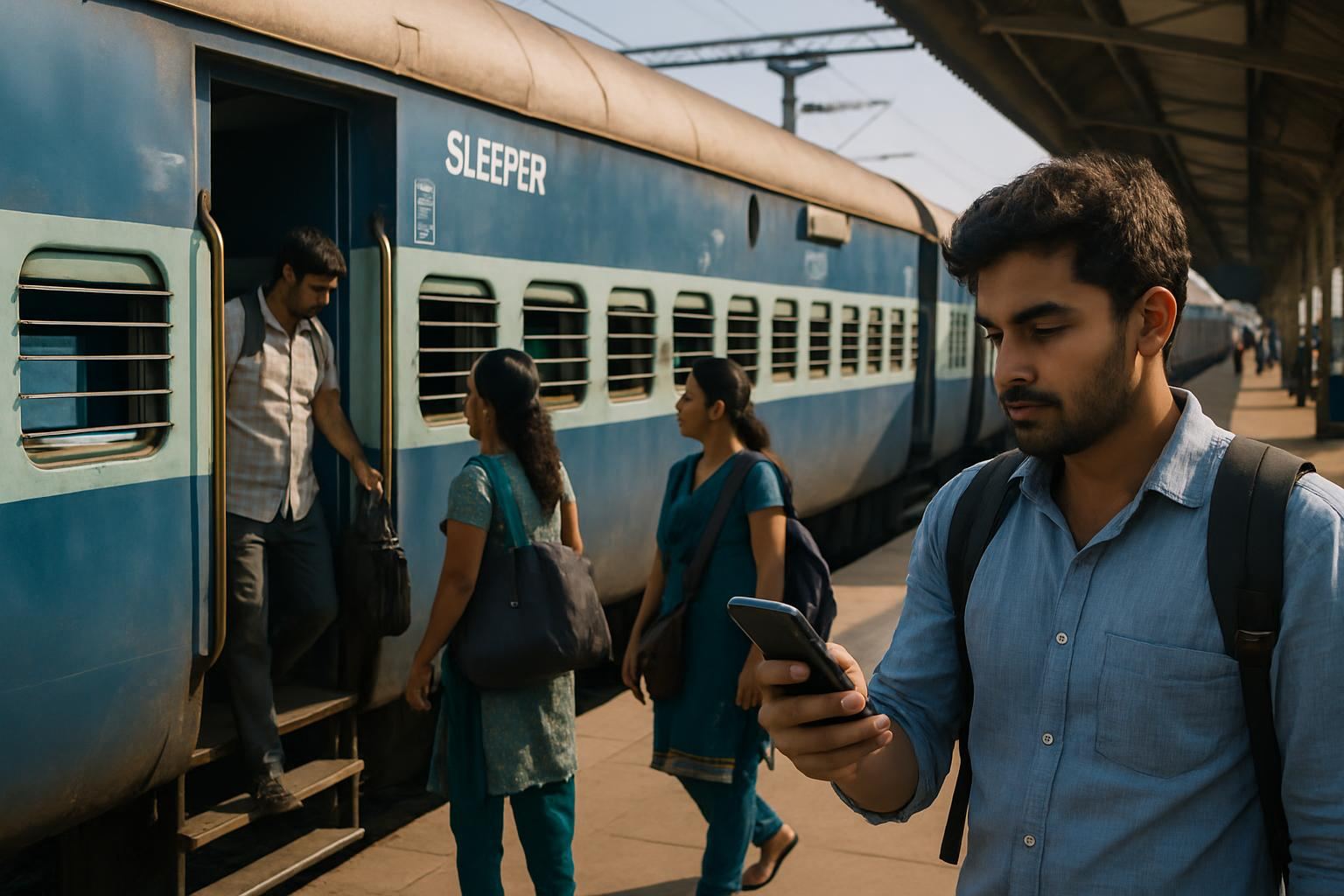
Booking Tatkal tickets on the Indian Railways' IRCTC platform is often a high-stakes race against time due to limited ticket availability and high demand. The Super Tatkal App has emerged as a valuable tool for travelers seeking a faster, more efficient method of securing these coveted tickets. Designed to automate and speed up the booking process, this app provides an edge to users by reducing manual input and saving precious seconds during the critical booking window.
This guide is structured to provide you with an in-depth understanding of the Super Tatkal App, from its key features and download instructions to practical tips for optimizing your booking experience. We will explore the nuances of Tatkal booking, including eligibility, timings, and associated charges. You will also learn how to avoid common mistakes and troubleshoot potential issues, ensuring a smooth and successful booking process. While the Super Tatkal App is a powerful tool, remember that official bookings are conducted through the IRCTC website at irctc.co.in.
What is the Super Tatkal App?
The Super Tatkal App is a third-party application developed to enhance the speed and efficiency of booking Tatkal tickets on the IRCTC platform. As a popular choice among frequent travelers, the app automates several mundane steps in the booking process, thereby increasing the likelihood of securing a ticket amidst fierce competition. While the app provides significant advantages, it operates independently and is not officially affiliated with the Indian Railways or IRCTC.
One of the standout features of the Super Tatkal App is its ability to pre-fill forms with passenger and payment details. This automation is important during Tatkal booking windows, where every second counts. The app allows users to manage multiple IRCTC accounts, receive instant alerts about booking times, and enjoy a user-friendly interface that simplifies the booking process for both novice and experienced users.
Key Features
- Auto-Fill Forms: The app allows users to save and pre-fill passenger details and payment information, significantly reducing the time required to complete the booking process.
- Multiple Account Management: Users can manage multiple IRCTC accounts from a single interface, making it easier to handle group bookings or travel arrangements for different individuals.
- Instant Alerts: The app sends timely notifications about Tatkal booking opening times and other important updates, enabling users to prepare and act promptly.
- User-Friendly Interface: Designed with simplicity and ease of use in mind, the app's interface ensures that even first-time users can handle and operate it with confidence.
How to Download the Super Tatkal App
Downloading the Super Tatkal App is a straightforward process, available for both Android and iOS devices. Make sure you download the app from reputable sources to maintain your device's security and avoid potential scams.
- Visit the App Store: The Super Tatkal App is available on the Google Play Store for Android devices and the Apple App Store for iOS devices. Navigate to the respective store using your smartphone.
- Search and Install: Use the search bar to find "Super Tatkal App." Verify the app is from a reputable developer by checking reviews and ratings before downloading.
- Complete Installation: Follow the on-screen instructions to install the app on your device. Make sure to grant necessary permissions for optimal functioning.
Setting Up the App
Once the app is installed, setting it up involves linking your IRCTC credentials to the app. This step is important as it allows the app to access your booking details and automate the process. Make sure your IRCTC account is verified and active before proceeding with the setup.
After linking your account, take advantage of the app's features by saving passenger details and configuring payment options. This preparation is key to using the app's full potential during the rapid Tatkal booking sessions.
Using the Super Tatkal App for Booking
Using the Super Tatkal App effectively can significantly enhance your booking speed. The app's design speeds up the Tatkal ticket booking process, allowing you to focus on securing your ticket rather than handling cumbersome steps.
Step-by-Step Booking Process
- Open the App: Launch the Super Tatkal App on your smartphone as the Tatkal booking window approaches.
- Log In: Enter your IRCTC credentials to log in. Ensure your login details are accurate to prevent delays.
- Select Details: Input journey specifics such as travel date, preferred train, class, and boarding station. The app's interface makes this step swift and efficient.
- Auto-Fill Passenger Information: Use the app’s auto-fill feature to populate passenger details quickly, saving vital seconds.
- Payment Setup: Ensure your payment details are pre-configured. The app supports multiple payment methods including debit/credit cards and UPI, facilitating quick transactions.
- Book Tickets: As soon as the Tatkal booking opens, proceed to book tickets. The app automates much of this process, enhancing your chances of success.
Pro Tips for Faster Booking
- Prepare in Advance: Before the booking window opens, ensure that your IRCTC account is active, payment methods are set up, and passenger details are ready.
- Stable Internet Connection: A strong and stable internet connection is important to avoid disruptions during the booking process. Consider using a wired connection or a reliable Wi-Fi network.
- Practice: Familiarize yourself with the app's interface by using its demo mode. Practicing the booking process can reduce hesitation and increase your efficiency.
Benefits of Using the Super Tatkal App
The Super Tatkal App offers numerous advantages for travelers looking to speed up their ticket booking experience. By automating tedious tasks and simplifying the process, the app provides a competitive edge when booking Tatkal tickets, where speed is of the essence.
With features like auto-fill forms and instant alerts, the app reduces the manual effort required during booking, allowing users to focus on strategic aspects such as timing and train selection. Its user-friendly interface makes it accessible to a broad range of users, from tech-savvy individuals to those less familiar with digital tools.
Eligibility and Timings for Tatkal Booking
Tatkal bookings are available for a limited number of seats on select trains. Booking typically opens one day in advance of the train's departure date, excluding the date of journey. For AC classes, the Tatkal window opens at 10:00 AM, while for non-AC classes, it opens at 11:00 AM.
Only one Tatkal ticket per passenger is allowed, and it is important to note that no concession is applicable under this scheme. Travelers should ensure that they meet the eligibility criteria for Tatkal booking, including having a valid IRCTC account and the necessary identification documents.
Tatkal Charges and Refund Policy
Tatkal charges are in addition to the regular fare and vary depending on the class of travel. These charges are calculated as a percentage of the base fare, with a minimum and maximum limit applicable. For example, Tatkal charges for second class are minimal, while for AC classes, they are higher.
Refunds on Tatkal tickets are limited and are generally not allowed except under certain circumstances such as train cancellations or delays. Travelers should familiarize themselves with the refund policy to avoid any inconvenience.
Common Mistakes to Avoid
Several common mistakes can hinder the Tatkal booking process, significantly impacting your chances of securing a ticket. One frequent error is not having an active IRCTC account or incorrect login details. Ensuring that your account is verified and ready for use is important before the booking window opens.
Another common mistake is poor time management. Many users fail to log in or start the booking process on time, leading to missed opportunities. Preparing all necessary details in advance and being punctual can greatly enhance your booking success.
Troubleshooting and Practical Tips
If you encounter issues while using the Super Tatkal App, several troubleshooting steps can help resolve common problems. Make sure your app is updated to the latest version, as updates often fix bugs and improve performance. Clearing the app cache can resolve loading issues.
For optimal performance, avoid using the app on slow or unstable internet connections, and ensure your device has adequate storage and memory. Familiarizing yourself with the app's support resources and user community can also provide valuable insights and assistance.
Frequently Asked Questions
Is the Super Tatkal App officially recognized by IRCTC?
No, the Super Tatkal App is not officially recognized by IRCTC. It is a third-party application designed to assist with the booking process.
Can I book regular tickets with the Super Tatkal App?
The app is specifically designed for Tatkal ticket bookings, though some versions may allow regular ticket bookings as well.
Is it safe to use the Super Tatkal App?
While generally safe, users should ensure they download the app from reputable sources and maintain updated security software on their devices.
Do I need an IRCTC account to use the Super Tatkal App?
Yes, you need a valid and active IRCTC account to book tickets using the Super Tatkal App.
Can the app guarantee a confirmed Tatkal ticket?
No app can guarantee a confirmed Tatkal ticket as it depends on availability and demand during the booking process.