
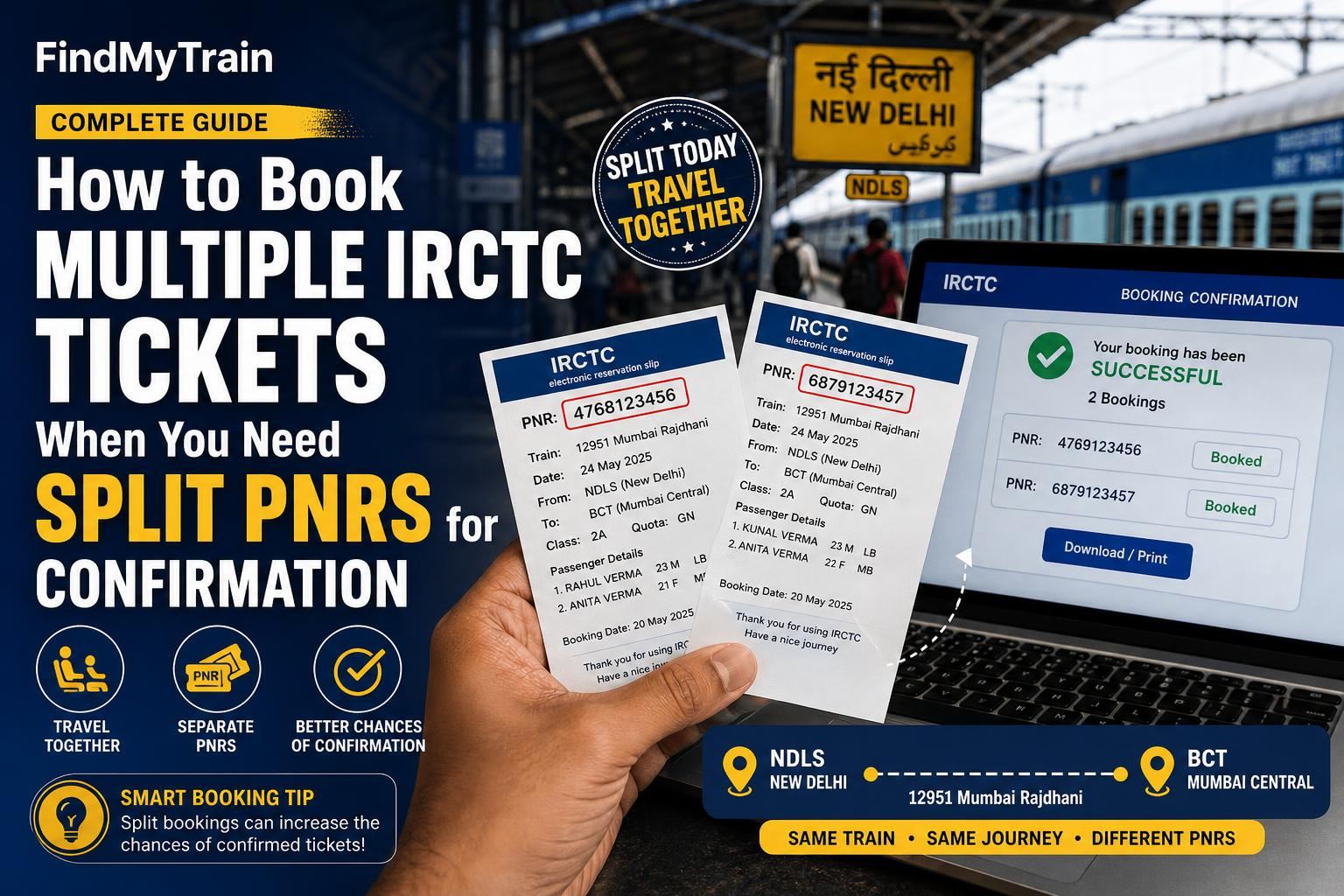
If you have a group and IRCTC shows only a few seats available, your best way to get confirmed tickets is to book in smaller batches—creating more than one PNR for the same train and class. Here’s exactly how to do it, why it works, and the limits you need to watch for.
Why Splitting PNRs Helps You Get Confirmed Tickets
IRCTC allocates available seats on a first-come, first-served basis. If you try to book, say, 6 tickets but only 3 seats are available, you’ll all end up on the waitlist. But if you book 3 confirmed tickets first, then immediately book the next 3 (even if they’re waitlisted), you’ve secured at least some confirmations. This is especially useful for Tatkal and busy routes.
How to Book Two or More PNRs for the Same Train
- Log into the IRCTC app or website. If you don’t have an account, create one on the app or website.
- Search for your train and class as usual. Check the number of available seats (shown beside the class name, e.g., “3 Available” in 3A).
- If fewer seats than your group size are available, note the number (e.g., only 4 seats for 7 people).
- Book the available seats for part of your group (e.g., 4 passengers). Complete payment and download the ticket. This gives you one PNR with confirmed seats.
- Immediately repeat the booking for the remaining group members. They’ll get a separate PNR—often on the waitlist, RAC, or sometimes confirmed if more seats open up during the process.
- If booking for more than two groups (e.g., a group of 10 with only 3 seats at a time), repeat as needed. Each booking creates a new PNR.
If you see “Booking Failed” or “Seats Not Available” after step 5, the quota may have changed in the meantime. Refresh the app/website and retry, or check live train status for seat releases.
Maximum Passengers Allowed Per PNR and Booking Limits
- Maximum passengers per booking (PNR): 6 in general quota, 4 in Tatkal quota.
- You can book up to 12 tickets per month per user ID on IRCTC (or more if you’ve linked Aadhaar; see Aadhaar linking rules).
- There’s no official limit to the number of different PNRs you can book for the same train, as long as you do not exceed monthly ticket quota per user ID.
If You Need Seats Together: How Coach Allocation Works
Splitting PNRs increases your chances of at least some confirmations, but seats may be scattered. IRCTC tries to keep group passengers in the same coach if booked together, but split PNRs are treated independently. If you want to try to sit together:
- After booking, check your seat numbers on each PNR.
- At the station or on the train, request the TTE (Traveling Ticket Examiner) to adjust seats so your group can be together. This works best if seats are in the same coach and there’s some flexibility among other passengers.
- Be polite and clear—TTEs can swap seats if possible, but it’s not guaranteed.
What to Do if Waitlist Remains After Splitting
If your second or third PNR is still waitlisted:
- Keep checking PNR status until the journey date. Waitlists often move up as others cancel.
- Boarding with a fully waitlisted ticket is not allowed. If waitlist stays after chart preparation (usually 4 hours before departure), those tickets are automatically cancelled and refunded.
- If you want to guarantee travel for the whole group, consider alternate trains or classes, or split the group further.
IRCTC Refunds and Charges When Booking Multiple PNRs
| Scenario | Refund Rule |
|---|---|
| Confirmed ticket cancelled | Flat cancellation fee (amount depends on class), plus GST. Lower refund the closer to departure. |
| Waitlisted ticket not confirmed | Full refund after automatic cancellation at chart prep. |
| Partial confirmation (some confirmed, some waitlisted in same PNR) | Can cancel waitlisted passengers only, with full refund for those seats. |
| Split PNRs, both confirmed | No special fee; normal rules apply per PNR. |
For refund timelines and details, see IRCTC refund rules.
How to Avoid Problems When Splitting Train Group Bookings
- Do not try to book more seats in one go than are shown as available—you’ll just get waitlist for all.
- Don’t assume splitting guarantees adjacent seats; always check PNRs for coach and seat numbers.
- Don’t board with fully waitlisted tickets hoping for a last-minute miracle. You need at least one confirmed or RAC seat to board.
- If you need to cancel, remember you must cancel each PNR separately—cancelling one does not affect the others.
Can Agents Help? When to Use Offline Booking
IRCTC-authorised booking agents at station counters can do split PNR bookings just like online, but have no extra powers to guarantee confirmations. If you’re struggling with the website or app, or need to pay cash, offline booking is an option, especially for last-minute Tatkal tickets.
Frequently Asked Questions
How many tickets can I book on IRCTC in one go?
You can book up to 6 passengers per PNR in general quota and up to 4 in Tatkal. If you have a larger group, split the booking into multiple PNRs.
Will splitting PNRs guarantee confirmation for my whole group?
No. Splitting lets you confirm available seats for some passengers, but the rest may remain waitlisted. Always check seat status for each PNR.
Can we sit together if we book separate PNRs?
Not always. Seats on split PNRs may be in different coaches. After charting, ask the TTE to swap seats if possible.
If my second PNR is still waitlisted, can I board the train?
No, you cannot board with a fully waitlisted ticket. Only confirmed or RAC tickets allow boarding.
Do I pay extra for booking multiple PNRs?
There’s no extra fee just for multiple PNRs, but service and cancellation charges apply per PNR as per IRCTC rules.