
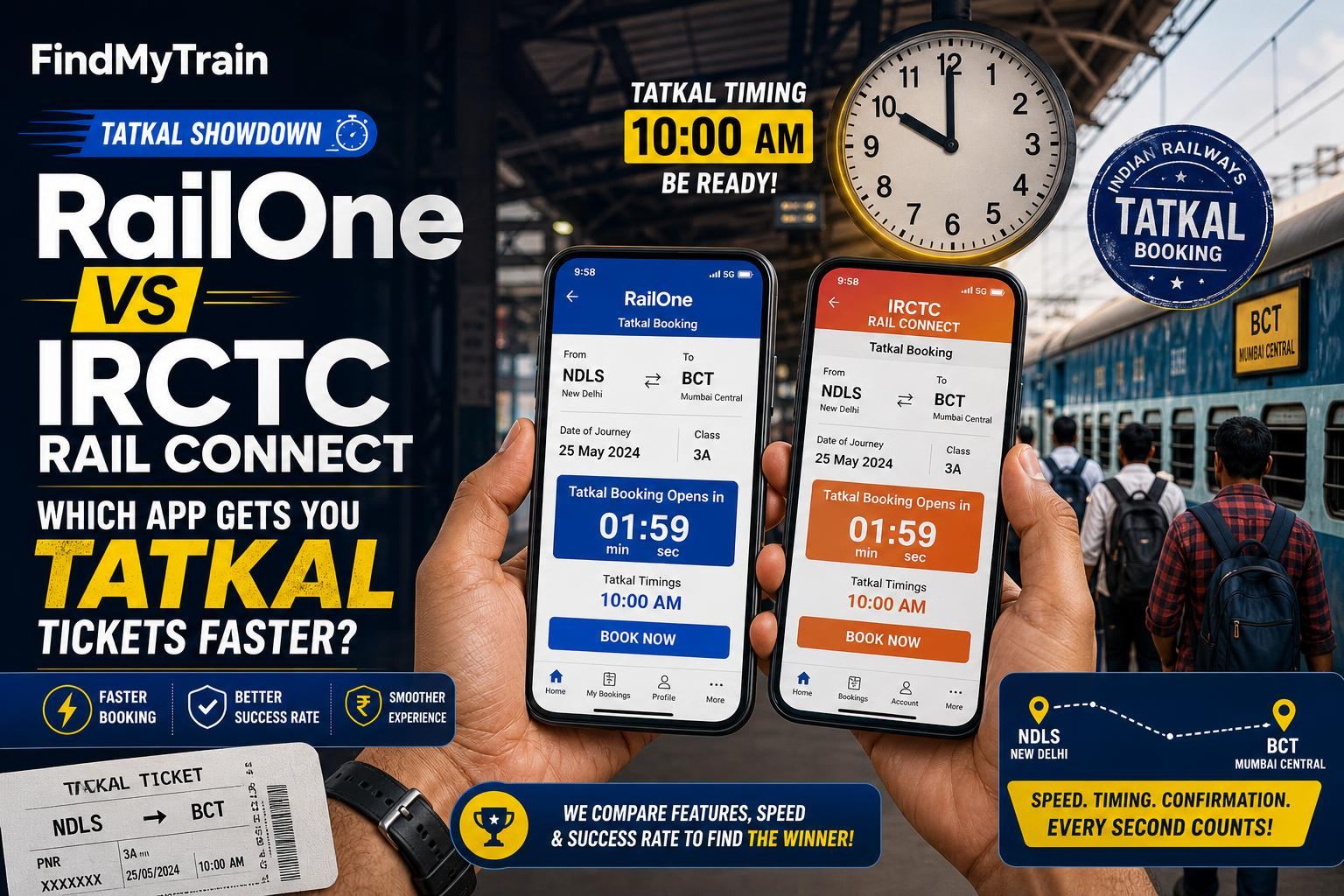
If you need a confirmed tatkal ticket, your main enemy is speed: how fast you can fill details and pay before seats vanish. Both RailOne and IRCTC Rail Connect book through the official IRCTC system, so neither can guarantee you a seat, but there are differences in the booking process and features that genuinely affect your chances.
At a Glance: RailOne vs IRCTC Rail Connect for Tatkal
| Feature | RailOne | IRCTC Rail Connect |
|---|---|---|
| Login Method | Uses stored IRCTC credentials; can stay logged in | Official IRCTC login; sometimes logs out after inactivity |
| Passenger Autofill | Advanced autofill (save multiple profiles) | Basic autofill (recently used only) |
| Payment Speed | Supports UPI, cards, wallets; some one-tap payments | UPI, cards; official payment gateway only |
| App Loading Time | Lightweight, usually faster | Can lag or freeze at 10 AM rush |
| Official IRCTC Booking | Uses official backend via API | Direct official IRCTC app |
| Booking Charges | Usually adds a service fee | No extra charge beyond IRCTC & bank fees |
Tatkal Booking Opens at 10 AM for AC, 11 AM for Sleeper
For most trains, tatkal bookings open:
- 10 AM for AC classes
- 11 AM for Sleeper class
Booking opens exactly one day before the train's departure from its origin station (not your boarding point). For example, if the train leaves its origin at 2 PM on 15th, tatkal opens at 10/11 AM on 14th, even if you board later.
Be ready in the app at least 10 minutes before the window opens, logged in and with your payment method set up.
Why Are Tatkal Tickets So Hard to Get?
All apps—including IRCTC Rail Connect and RailOne—must connect to the same IRCTC booking servers. When tatkal opens, lakhs of people try at the same second and tickets are gone in seconds. Booking speed comes down to:
- How fast you enter passenger and ID details
- How quickly the app loads the next screen
- Whether payment goes through on the first try
RailOne tries to solve this with better autofill and faster UI. IRCTC Rail Connect, being the official app, sometimes faces server overload but avoids any third-party delays.
Actual Booking: Step-by-Step Differences
- Log In
- In RailOne, you can stay logged in for days; IRCTC Rail Connect may log you out after inactivity.
- If IRCTC asks you for a captcha at login, type it carefully—mistakes waste precious seconds.
- Enter Journey Details
- Both apps let you search source, destination, and date. RailOne saves recent searches and sometimes suggests common routes.
- Select Train and Class
- Both show available trains. IRCTC Rail Connect is sometimes slightly slower to update live seat availability.
- Choose your train and tap "Book Tatkal" (or "Tatkal Quota").
- Fill Passenger Details
- RailOne: Tap to autofill from saved profiles; you can create and edit these in advance.
- IRCTC Rail Connect: Autofill only works from recently booked passengers; otherwise, type details each time.
- Always keep at least one government ID number ready (Aadhaar, PAN, etc.). For more on Aadhaar rules, see Aadhaar linking for IRCTC.
- Payment
- RailOne: Can remember payment methods and supports one-tap UPI (if set up), but sometimes IRCTC blocks third-party payments at peak times.
- IRCTC Rail Connect: Payment gateway is built-in but can get overloaded. If UPI fails, try netbanking or a card.
- Confirmation
- If the booking fails at payment, do not go back—use the "My Bookings" screen to check if a PNR was created. For more on PNR checks, see how to check your PNR status.
- If you get "Booking Failed" or "Seats not available," immediately try for another train/class.
When RailOne Might Help You Beat the Rush
- If you need to book for the same set of passengers often, RailOne's profile autofill is a few seconds faster.
- The app is generally less likely to freeze or crash during the 10 AM/11 AM rush, especially on older phones.
- RailOne sometimes offers "Express Checkout" with pre-saved payment and passenger details—this can help if you're booking in a panic.
But: RailOne adds a service fee (often about Rs 20–30), and sometimes IRCTC's backend blocks non-official app bookings temporarily at peak load. If RailOne throws an error at payment, try again in IRCTC Rail Connect immediately.
When the IRCTC Rail Connect App Is Still the Safest Bet
- No extra service fee; you pay only the tatkal and payment gateway charges.
- As the official app, it will not be locked out or blocked by IRCTC's own server at peak time.
- Some payment methods (like IRCTC eWallet) work only on the official app.
- If RailOne is failing to connect or rejecting payment, switch to IRCTC Rail Connect quickly.
If booking is urgent, keep both apps installed and logged in. Try in RailOne first for a speed edge, but be ready to switch.
Tips to Increase Your Tatkal Booking Success Rate
- Prepare passenger profiles in advance (especially in RailOne).
- Pre-link UPI or card payments for one-tap checkout.
- Have backup payment methods ready—tatkal failures often happen at payment.
- Log in 5-10 minutes before opening, and refresh train availability just before booking opens.
- If a booking fails, check "My Transactions" or "Booking History" before retrying to avoid double charges.
For step-by-step tatkal rules and refund details, see our tatkal booking and refund guide and IRCTC refund rules.
Frequently Asked Questions
Can RailOne guarantee a confirmed tatkal ticket?
No app can guarantee a tatkal ticket. Both RailOne and IRCTC Rail Connect book using the official IRCTC system. Your success depends on how quickly you can fill details and pay, and how many people are competing for the same seats.
Does RailOne charge extra for tatkal bookings?
Yes, RailOne usually adds a service fee on top of the official IRCTC and tatkal charges. The IRCTC Rail Connect app does not add any extra service fee.
Why does payment fail more often during tatkal bookings?
During the tatkal rush, the IRCTC payment gateway can get overloaded or slow. This causes UPI, card, and wallet payments to fail or timeout on both RailOne and IRCTC Rail Connect. Try to have multiple payment options ready.
Is it safe to use RailOne for tatkal booking?
RailOne uses the official IRCTC APIs, so bookings are as secure as on the IRCTC Rail Connect app. However, always check for a valid PNR after payment and avoid using unofficial apps not approved by IRCTC.
What should I do if RailOne fails to book my tatkal ticket?
Immediately try booking on the IRCTC Rail Connect app. Sometimes, third-party apps like RailOne are temporarily blocked by IRCTC servers during peak load, but the official app remains available.
How can I check if my tatkal booking was successful?
Go to the "My Bookings" or "Booking History" section in either app. If you see a valid PNR and seat assignment, your booking is confirmed. For more, see our <a href="/guides/pnr-status">PNR status guide</a>.