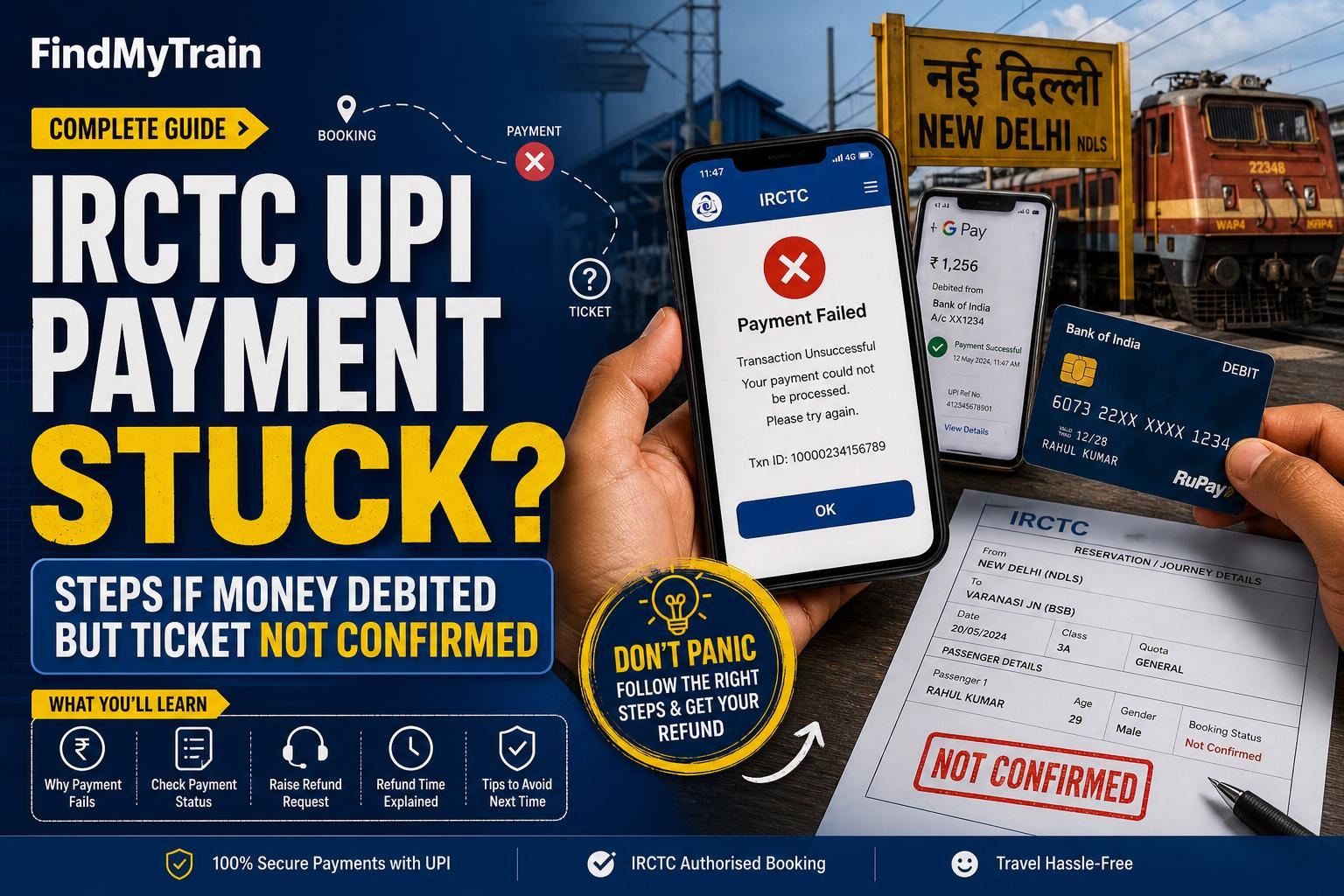
If your money was debited through UPI on IRCTC but your train ticket isn’t confirmed, don’t panic—this happens often. Most failed or pending UPI transactions on IRCTC are auto-refunded, but you need to know what to check, how long to wait, and when to escalate.
Why IRCTC UPI Payments Get Stuck or Fail
UPI payments on IRCTC can get stuck if there’s a delay between IRCTC and your bank, or if the booking quota filled up during payment. Sometimes, the ticket status remains as 'Payment Pending' or 'Booking Failed' even though money is deducted from your bank.
First: Check Your Booking Status on IRCTC
- Open the IRCTC app or website and log in.
- Go to ‘My Account’ > ‘My Transactions’ > ‘Booked Ticket History’.
- Look for your booking and check the current status:
- If it says ‘Confirmed’ or ‘Waitlisted’, your booking actually went through. Download your ticket and check PNR status.
- If it says ‘Payment Pending’ or ‘Failed’, move to the next step.
If Status Is ‘Payment Pending’ or ‘Failed’: What to Expect
When UPI payment is debited but booking fails, IRCTC usually triggers an auto-refund. The refund process is automatic—you do NOT have to manually apply for it in most cases.
| Booking Status | Refund Rule | How to Track |
|---|---|---|
| Booked (Confirmed/Waitlisted) | No refund, ticket is valid | Download ticket |
| Payment Pending/Failed | Auto-refund to source (UPI ID/bank) | Transaction history & bank/UPI app |
How Long UPI Refunds Take for IRCTC Failed Bookings
- UPI refunds usually take 2–4 business days from the date of failed booking.
- Weekends and bank holidays can delay this by 1–2 days.
- If you paid via wallet/card/NetBanking, refund time may differ—see your payment provider’s policy.
Check your UPI app (like Google Pay, PhonePe, Paytm) and your bank SMS for the refund credit. The entry may say ‘IRCTC’, ‘NPCI’, or just ‘Refund’ with a reference number.
What to Do if UPI Refund Has Not Arrived in 4 Days
- Double-check your UPI app and bank statement for any incoming credit.
- In the IRCTC app/website, go to ‘Booked Ticket History’ > ‘Failed Transactions’. Click on the transaction to see ‘Refund Details’—sometimes it lists a reference/UTR number for tracking the refund.
- If there’s no sign of refund, note your transaction reference or UPI ID.
- Contact your UPI app support (e.g., Google Pay Help, PhonePe Help) with the transaction ID and date. They can often trace the refund before IRCTC support responds.
- If your bank or UPI app cannot help, use IRCTC’s official refund complaint form: Log in, go to ‘My Account’ > ‘My Transactions’ > ‘Failed Transactions’, select the transaction, and click ‘File TDR’ or ‘Raise Complaint’.
- For unresolved issues over 7 days, email IRCTC at [email protected], attaching screenshots of the debit and failed booking. Mention your IRCTC user ID and booking date.
How to Avoid UPI Payment Issues on IRCTC
- Do not refresh or hit ‘Back’ during payment—even if slow. Let the process complete or time out.
- Use a strong data connection to avoid disconnections during payment.
- For Tatkal tickets or peak times, consider NetBanking or card instead of UPI, as UPI is more prone to ‘timeout’ errors under heavy load.
- Always check your ‘Booked Ticket History’ before re-attempting the booking, to avoid double payment.
Escalating: When and Where to Get Help
- If refund not received in 7 days: File a complaint on IRCTC or email [email protected] with all details (user ID, date, transaction/UPI ref, screenshots).
- If IRCTC does not resolve in 15 days: File a complaint on the National Consumer Helpline (https://consumerhelpline.gov.in/) or your bank’s grievance cell, quoting UPI transaction details.
- For large amounts or urgent travel, mention your case at your bank’s branch. Banks can sometimes reverse failed UPI credits faster if you provide the IRCTC failed booking proof.
Cases Where Refunds May Not Happen Automatically
- If you used a wallet (like Paytm wallet) instead of UPI, the refund may go to the wallet, not your bank account. Check both.
- If your UPI ID was entered incorrectly or your bank account is inactive, refund may get stuck. Contact both IRCTC and your bank support.
- If you see ‘Booking not done, but money deducted’ for multiple attempts, repeat the above process for each failed transaction.
How to Track Refund Using UPI Reference or UTR Number
Every UPI transaction has a unique reference number (sometimes called UTR or Transaction ID). You can:
- Find this in your UPI app’s transaction details for the IRCTC payment.
- Give this number to your bank or UPI app support to check refund status.
- Share it with IRCTC when raising a complaint for quicker resolution.
If you want to check live train status or whether your train is running, use our live train status tool while waiting for your refund.
Frequently Asked Questions
How long does IRCTC take to refund UPI payment for failed bookings?
UPI refunds for failed IRCTC bookings are usually processed within 2–4 business days. If it’s delayed beyond 4 days, check your UPI app and bank, then contact IRCTC.
Where will the IRCTC refund go if I paid with UPI?
The refund will be credited back to the same bank account linked to your UPI ID. Check your UPI app and bank statement for the entry.
Do I need to manually claim a refund if my IRCTC UPI payment failed?
No, most refunds are automatic. Only raise a complaint if the refund hasn’t arrived after 4–7 business days.
What should I do if my IRCTC UPI payment is showing 'Payment Pending'?
Wait a few minutes and refresh the ‘Booked Ticket History’. If it still shows pending after 30 mins and ticket is not issued, the refund will process automatically.
Can I book the same train again if my UPI payment is stuck?
Yes, but check your ‘Booked Ticket History’ to ensure no ticket was issued and to avoid double bookings or payments.