
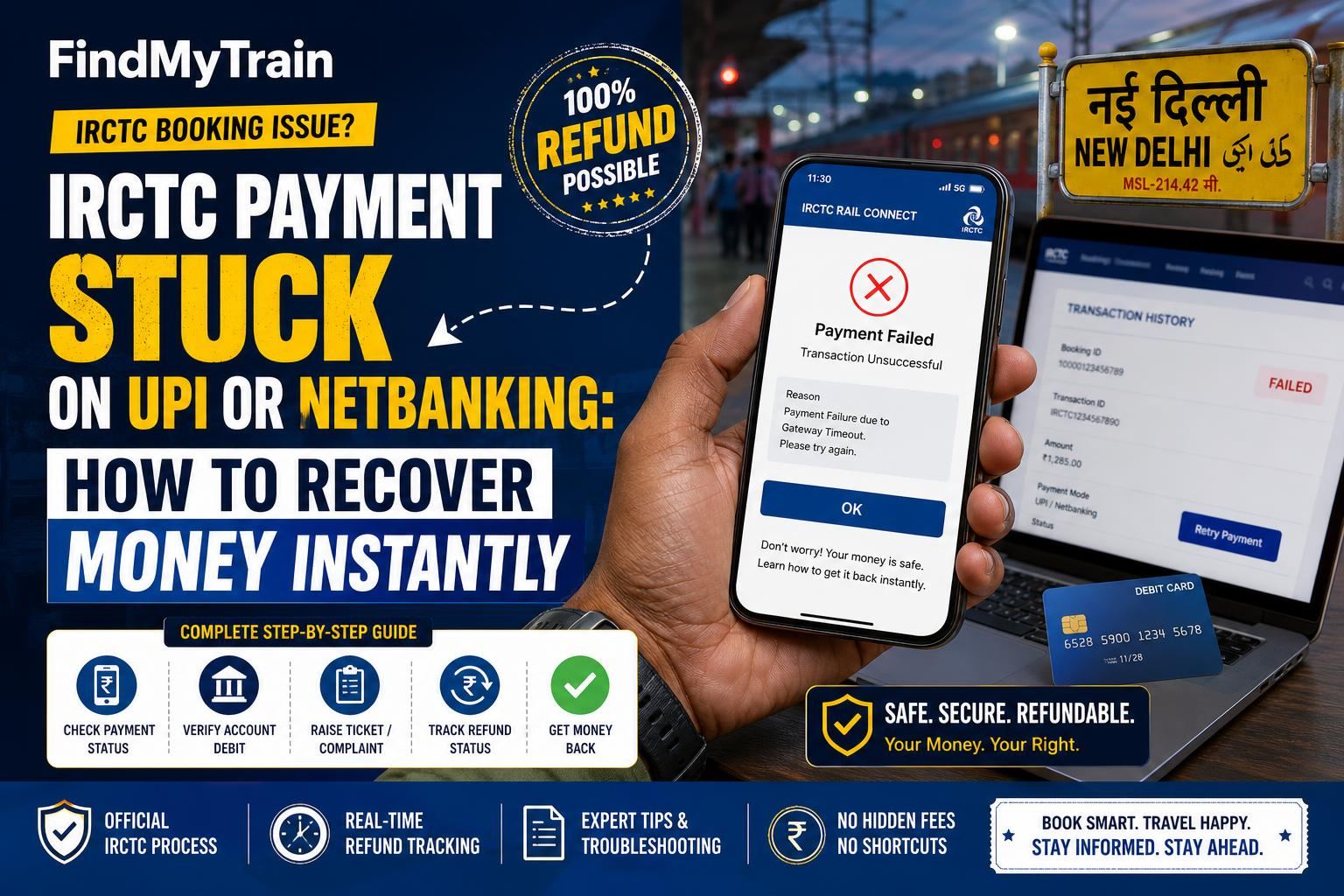
If your IRCTC train ticket payment got stuck on UPI or netbanking, don’t panic—almost always, your money is safe and comes back automatically. Here’s how to check status, speed up refunds, and escalate if it’s taking too long.
First, Check If Your Ticket Was Booked
Before worrying about a refund, confirm whether the booking actually went through. Open the IRCTC app or website:
- Tap My Bookings (on the app) or Booked Ticket History (on website).
- If your PNR appears and the ticket is confirmed or on the waiting list, your booking is successful—even if the payment screen crashed.
- If you see “Transaction Failed” or your ticket isn’t listed, continue with refund steps below.
If you booked via an agent or third-party app, check their platform too.
What Happens When Payment Gets Stuck?
When you pay via UPI or netbanking, but the IRCTC website/app shows a blank page, error, or times out, your money may be debited but not immediately reflected on IRCTC. Usually, this is a "failed transaction" or "pending settlement" between your bank and IRCTC’s payment gateway.
How Long Does Refund Take for Failed Payments?
| Payment Method | Usual Refund Time | Where Refund Appears |
|---|---|---|
| UPI | 30 mins to 3 hours (max 3 days) | Bank account linked to UPI |
| Netbanking | 2 hours to 3 days | Bank account |
| Debit/Credit Card | 2 to 7 days | Card statement |
UPI refunds are usually fastest. Netbanking can take up to 3 working days. If you used a wallet (Paytm, PhonePe, etc.), check the wallet balance and your bank account.
Steps to Recover Your Money If Stuck
-
Wait 1-2 hours and check your bank statement.
Don’t re-attempt booking immediately. If IRCTC or your bank debited the amount, in most cases, it reverses automatically within hours. -
Check IRCTC Transaction History.
Go to ‘Transaction History’ or ‘Failed Transactions’ in your IRCTC account. If you see “Payment Failed” or “Refund Under Process,” note the Transaction ID and date. -
Check your UPI app or netbanking portal.
Look for the exact debit, refund, or reversal entry. UPI apps may show “Reversed to Bank” or “Refunded by Merchant.” -
If no refund after 3 days, contact support.
For IRCTC: Use the ‘Contact Us’ section in the IRCTC app or website to raise a complaint. Give them: Transaction ID, date, payment method, and screenshot if possible.- Email: [email protected]
- Helpline: 0755-6610661 / 0755-4090600
-
Escalate to your bank if IRCTC support can’t help.
Use your bank’s complaint portal or branch visit. Quote UPI Reference number or Netbanking transaction ID.
If the Refund Is Marked as ‘Processed’ by IRCTC but Not in Your Account
This means IRCTC’s gateway has sent the money back, but your bank hasn’t credited it yet. This is most common with public sector banks or during banking holidays. Contact your bank’s customer care with:
- Payment reference number (from IRCTC ‘Failed Transaction’ screen)
- Proof of debit (bank statement or app screenshot)
Most banks resolve this in 1–2 working days after escalation.
Never Book Again Without Checking Refund Status
If your first attempt failed and you book again, you might get double debits. Always check the status of your previous payment before making a second attempt. For more on safe booking, see how to book on IRCTC website and booking on IRCTC app.
Can You Speed Up a Stuck Refund?
- There’s no guaranteed way to “instantly” recover money, but using UPI (not netbanking) is usually fastest for both payment and refunds.
- If you absolutely need the money, raise a complaint with both IRCTC and your bank at the same time.
- In rare cases, UPI refunds show up as “pending settlement”—these can be nudged via UPI app support chat (e.g. Google Pay, PhonePe) if it’s been 24 hours.
If You Used an Agent or Third-Party App (Paytm, MakeMyTrip, etc.)
Contact the agent’s or app’s customer care with your order ID. The refund may be processed by them or by IRCTC, depending on their payment integration. Always check both your app wallet and linked bank account for the refund.
What If the Train Is Cancelled After a Stuck Payment?
If your ticket never got booked, you’re due a full refund. If the ticket did book and the train is later cancelled, see cancelled trains: refund rules for what to expect.
Frequently Asked Questions
My IRCTC payment failed but money was debited. Will I get a full refund?
Yes. If the ticket wasn’t booked, the entire amount is refunded automatically to your original payment method—no deductions.
How long should I wait before raising a complaint for a stuck UPI or netbanking refund?
Wait at least 3 days (72 hours) after the failed payment. If no refund appears, contact IRCTC and your bank with transaction details.
Where will the refund appear if I paid via UPI?
The refund goes back to the bank account linked to your UPI ID. Check your UPI app and bank statement.
What if my IRCTC account shows 'Refund Processed' but I don’t see the money?
Contact your bank with the IRCTC transaction reference. Sometimes banks take 1–2 extra days to credit the amount.
Can I book another ticket while the previous payment is stuck?
You can, but check if the first attempt actually booked a ticket (see 'My Bookings') to avoid duplicate bookings and double charges.
Who do I contact if I booked through Paytm or another app?
Contact the app’s customer support with your order/transaction ID. They can track both IRCTC and payment gateway refunds.