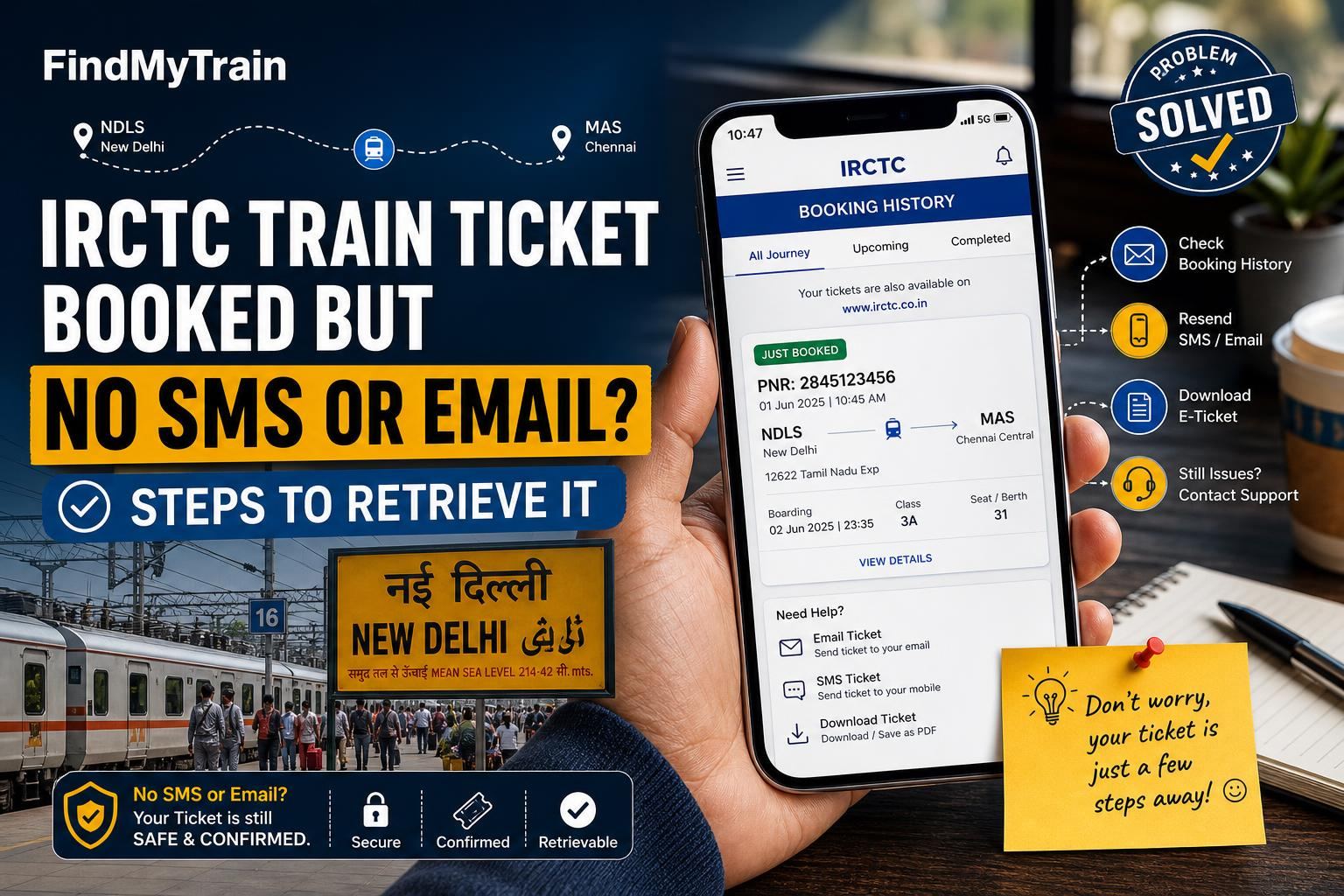
If you’ve booked a train ticket on IRCTC but didn’t get any SMS or email confirmation, don’t panic. You can still retrieve your ticket using your IRCTC account, payment details, or even your PNR. Here’s exactly what to do, step by step, on your phone or computer.
First, Check Your Booking Status on IRCTC
Go to irctc.co.in or open the IRCTC Rail Connect app. Don’t rely on waiting for the message—your ticket is valid as soon as payment succeeds.
- Log in with the same IRCTC user ID you used to book the ticket.
- On the home screen, tap My Account (in the app) or hover over your name (on the website).
- Select My Bookings or Booked Ticket History.
- Your recent bookings will be listed. Tap or click the relevant ticket to see details and download the e-ticket (PDF).
If you see your ticket here, you’re done. You can show this PDF or even a screenshot to TTEs. If not, continue below.
If Booked As a Guest or Not Logged In: Retrieve With PNR or Payment
If you checked out as a guest or can’t remember your login, try these:
- Check your bank/SMS for the IRCTC charge. Note the date, amount, and reference ID.
- Go to the IRCTC Ticket Retrieval page (search "IRCTC booked ticket history guest user" in a browser, as the path changes).
- Enter your email or phone number (the one used at booking), journey date, and the transaction ID or last 4 digits of your card.
Still nothing? Try searching for your PNR using our PNR status tool. If it returns your booking details, your ticket is confirmed—use that PNR at the station or show it to the TTE.
If Booking Doesn’t Appear: Double-Check Payment and Booking Window
- Check bank SMS or UPI app for payment success. If payment failed, your ticket isn’t booked.
- If money was debited but no ticket is found, wait 30-60 minutes—sometimes confirmation is delayed.
- If not resolved, you’ll get an automatic refund. See our refund rules guide for timelines.
How to Resend the Ticket SMS or Email from IRCTC
- On the IRCTC app or website, open your Booked Ticket History.
- Select the booking, then tap Get SMS or Email (sometimes called “Resend” or “Send Again”).
- If your registered mobile/email is wrong, you cannot change it here. Use the PNR and an ID at boarding.
If the SMS still does not arrive, network issues or DND (Do Not Disturb) may be blocking it. Email usually works unless you have a typo in your ID.
If You Can’t Access Your IRCTC Account
- Try resetting your password using Forgot Password with your registered mobile or email.
- If you lost access to both, you’ll need to recover your account through official IRCTC support (see below).
What to Show the TTE if You Still Don’t Have the Ticket
- Your PNR number is enough for most TTEs, along with a valid ID.
- You do not need a printout or original SMS. A screenshot or PNR on paper is fine.
- If you have the IRCTC payment SMS or a bank debit alert, show that if questioned.
When and How to Contact IRCTC Customer Support
- If the above steps fail, contact IRCTC at 139 (IVRS, available 24x7) or email [email protected].
- Have your journey date, mobile/email used, payment reference, and (if available) PNR ready.
- For urgent travel in the next few hours, visit the nearest major railway station’s reservation counter and explain with your payment proof.
Common Reasons You Didn’t Get Ticket SMS or Email
| Reason | What to Do |
|---|---|
| Typo in email or mobile during booking | Use IRCTC account or PNR to retrieve ticket |
| SMS blocked by DND or network issue | Check email, or download ticket directly |
| Booking done as Guest User | Retrieve using payment details or PNR |
| Delayed confirmation due to payment gateway | Wait up to 1 hour, then check booking status |
| Payment failed or timed out | No ticket booked; money will auto-refund |
Tips to Avoid This Problem Next Time
- Double-check your mobile number and email at checkout.
- Always log in with your IRCTC account for easy retrieval.
- Take a screenshot of the confirmation page with the PNR as soon as you book.
For booking tips, see how to book train tickets via mobile app or using the IRCTC website.
Frequently Asked Questions
My money was debited but I have no ticket or PNR. What should I do?
First, wait up to one hour—sometimes there’s a payment delay. If your ticket still doesn’t appear in IRCTC bookings and no PNR is generated, your money will be automatically refunded (usually within 3-7 days). See our refund rules guide for more details.
Can I travel if I only have the PNR and no SMS or email?
Yes. You can show the PNR (on paper, screenshot, or just verbally) to the TTE along with a valid ID. The SMS or email is not mandatory.
How do I get my ticket if I booked as a guest user?
Go to the 'Booked Ticket History - Guest User' page on IRCTC, enter your email or phone and payment details, or use your PNR to look up the ticket. If you can’t find it, contact IRCTC customer support.
Why am I not getting IRCTC SMS messages?
Possible reasons: your mobile is on DND, there’s a network delay, or you entered the wrong number. Check your email, IRCTC account, or retrieve using your PNR.
Can I resend the ticket SMS to a different mobile number?
No, IRCTC only allows resending to the number/email entered at booking. If that’s wrong, use your PNR and ID at boarding.