
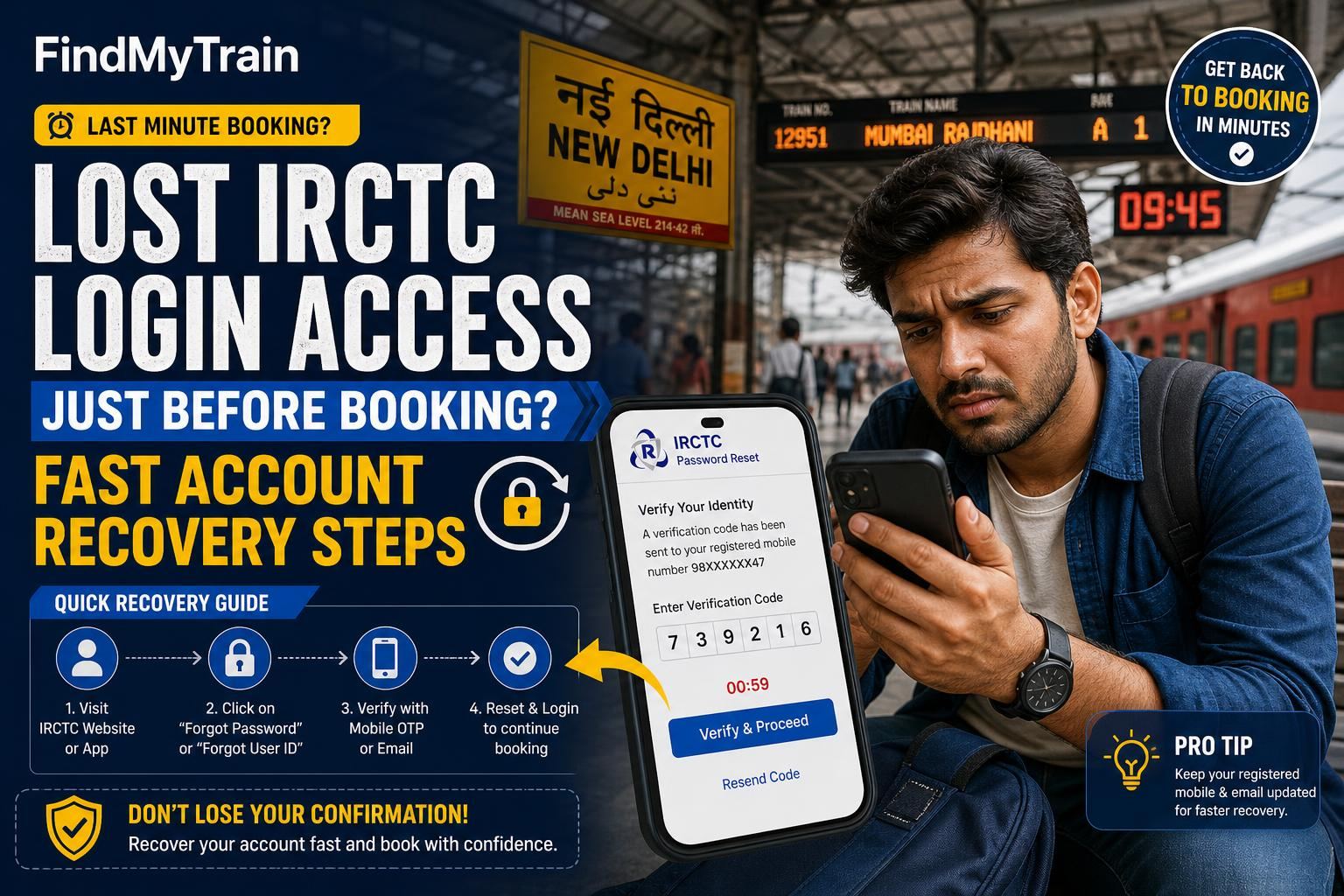
If you’ve lost access to your IRCTC login right before the booking slot (especially for Tatkal or opening day), don’t panic. You can usually recover your account in a few minutes if you act fast. Follow these steps exactly, and see what to do if something fails at any stage.
First, Try Password Reset on the IRCTC App or Website
Go to the IRCTC login page (on irctc.co.in or the official app). Tap or click on ‘Forgot Password?’ right under the login box.
- Enter your IRCTC username. (If you forgot this, see the next section.)
- Type the captcha code.
- Choose either registered email or mobile number to get a reset link or OTP.
- Check your SMS and email inbox (including spam) for the OTP or password reset link. This usually arrives within 30 seconds.
- Set a new password (at least 8 characters, with a mix of letters and numbers).
If the OTP or email does not arrive: Wait a full 2 minutes, then retry. If nothing comes, see Aadhaar linking rules—some older accounts need Aadhaar verified for password reset.
Forgot Username? How to Recover It
If you don’t remember your IRCTC username (and aren’t logged in anywhere):
- On the login page, tap ‘Forgot User ID?’ (small text below the password field).
- Enter your registered email and/or mobile number, and the captcha.
- You’ll get your IRCTC username on your email or SMS, usually within a minute.
Still nothing? Try searching your email for old IRCTC confirmation mails—your username is shown near the top of every ticket mail.
It Says 'Account Locked' or 'Suspended'—What Next?
If you enter the wrong password too many times, IRCTC locks your account for up to 24 hours. To unlock it instantly:
- Use ‘Forgot Password?’ as above to trigger a reset—this often unlocks the account immediately.
- If you see a message about ‘suspicious activity’ or ‘profile suspended’, you must email [email protected] from your registered email, stating your username and mobile, and requesting account reactivation. Include a screenshot if you can.
- For urgent Tatkal bookings, there’s no guaranteed instant fix if you’re suspended. Try creating a new IRCTC account with a different email and phone, just for this booking slot—but don’t use fake details.
If You No Longer Have Access to Your Registered Email or Mobile
If your old email/phone is dead or lost, you can’t get the OTP. Two solutions:
- Call IRCTC customer care at the number shown on the login page. They’ll ask for ID proof (PAN, Aadhaar, or passport).
- Email [email protected] with your username, old and new email/phone, proof of identity, and a request to update your contact details.
This can take several hours to a day. If your booking slot is about to open, create a new account if possible.
Booking Window Is Open, But Recovery Fails—What Can You Do?
- Try family or friend’s IRCTC account (with their permission)—tickets are valid if booked for your name/ID.
- Use a trusted third-party train ticket app—many let you book with minimal signup, but you’ll still need an IRCTC login for final ticketing, so this only helps if you remember those credentials or can recover them.
- Go to a railway station ticket counter for immediate booking. Tatkal and current booking counters open at 10 am (AC) and 11 am (non-AC). Bring ID proof.
Problems Specific to Tatkal and Rush Hours
During Tatkal (booking opens at 10:00 am for AC, 11:00 am for non-AC), the password reset emails and SMS can be delayed due to heavy server load. If you know you have login issues, start recovery 10-15 minutes before the booking slot. Don’t wait until the exact time, as the IRCTC site can slow down or freeze.
For more on Tatkal timing and rules, see Tatkal booking guide.
How to Prevent Future IRCTC Login Loss
- Keep your registered email and mobile number up to date in your profile.
- Save your IRCTC username and password in a secure password manager, not just your browser.
- Link your Aadhaar card to your IRCTC account. This helps with password reset and increases account reliability. See Aadhaar linking rules.
If All Else Fails: Escalation Contacts
| Method | Details | Typical Response Time |
|---|---|---|
| [email protected] (from your registered email) | 6–24 hours | |
| Phone | 139 (IRCTC helpline) | Immediate to 15 minutes |
| @IRCTCofficial DM | 2–6 hours |
If you’re stuck, send a clear message with your username, issue, and a photo of your ID. For urgent bookings, use a family member’s account or book at the counter while waiting for your account to be fixed.
Frequently Asked Questions
What if I never receive the OTP for IRCTC password reset?
Check if your registered email/mobile is still active. Wait at least 2 minutes, then retry. During rush hours, delivery may be delayed. If it still doesn’t arrive, try using the alternate contact method, or contact IRCTC support.
Can I create a new IRCTC account if my old one is locked?
Yes, you can make a new account with a different email and phone number. Do not use fake details, as this can get both accounts suspended.
How long does it take to unlock a suspended IRCTC account?
If self-reset fails, email [email protected] with your details. Response can take 6 to 24 hours, so for urgent bookings, try other options like a family account or ticket counters.
Can I book for myself using a friend’s IRCTC account?
Yes, as long as your name and ID details are correctly entered as the passenger. The account holder’s name does not have to match the ticket.
What proof do I need to update my registered email or mobile?
IRCTC may ask for a government-issued ID (like Aadhaar, PAN, or passport) matching the account details. Attach a clear scan or photo when contacting support.