
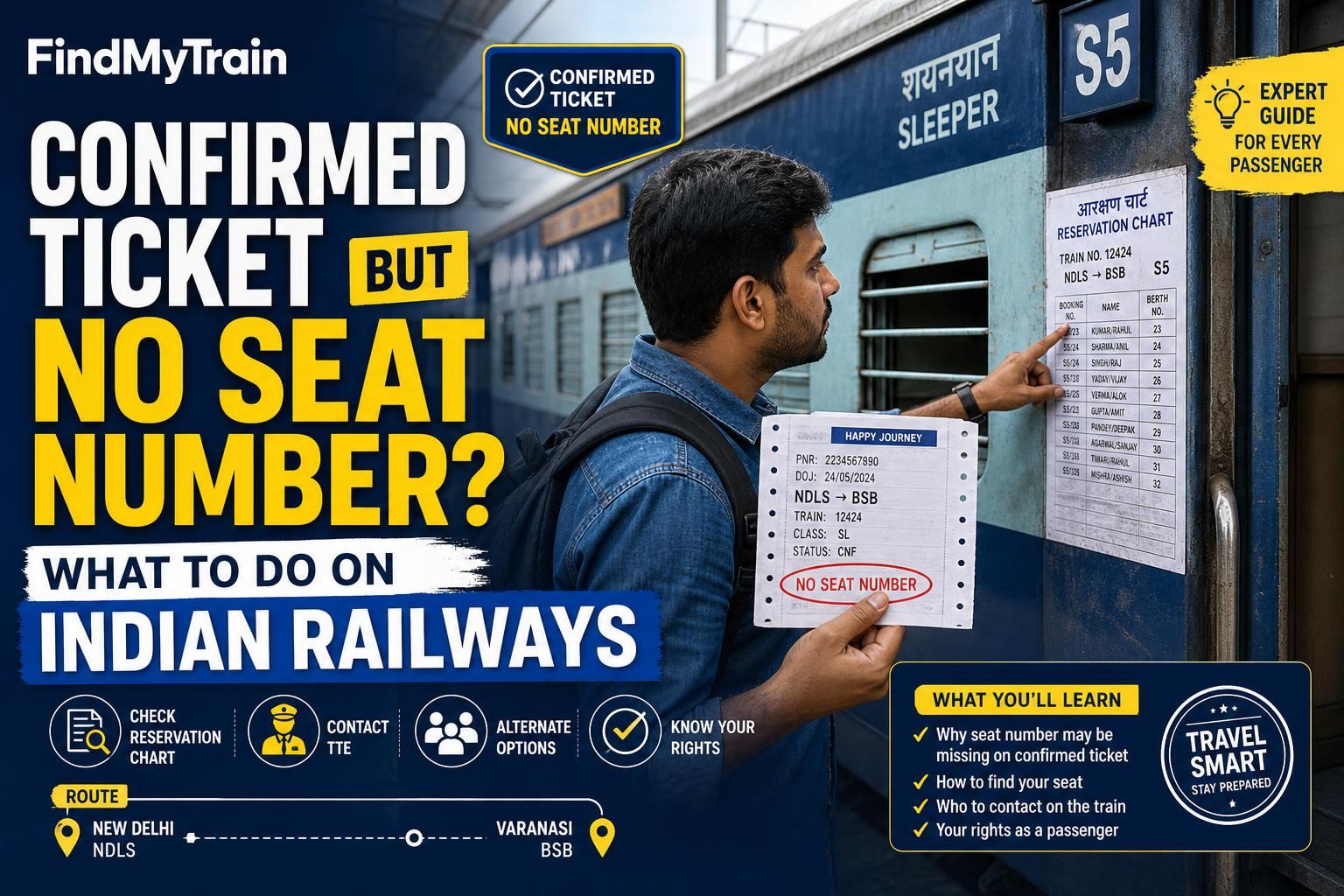
If your train ticket status says “Confirmed” but there’s no seat or berth number shown, don’t panic. This usually means your seat will be assigned at charting time. Here’s how to check your seat, when to expect it, and what to do if it’s still missing at boarding.
Why Your Seat Number Is Blank On a Confirmed Ticket
Indian Railways often confirms tickets first, then assigns the actual seat or berth when charts are prepared. This happens most often if you booked while your status was waitlisted (WL) or Reservation Against Cancellation (RAC) and it got upgraded to confirmed. Until the chart is made (usually 3-4 hours before departure), the seat number may stay blank.
Where To See Your Seat Number Once It’s Allotted
- IRCTC Website or App: Open your ticket under "Booked Ticket History" (website) or "My Bookings" (app). Once charts are prepared, your seat/berth number will appear.
- SMS Alert: If you booked online, IRCTC sends an SMS with your coach and seat number after charting. If you haven’t received it, check your ticket online.
- PNR Status Check: Enter your 10-digit PNR on findmytrain.in, or use the official IRCTC or NTES sites. After charting, your seat number will be displayed in the PNR results.
What Time Are Seat Numbers Allotted?
Final seat numbers are assigned when the reservation chart is prepared. This happens in two batches:
- Main chart: Usually 3-4 hours before scheduled departure from the train’s origin station.
- Second chart: For intermediate stations, a second/final chart is prepared 30-60 minutes before the train leaves your boarding station.
For late-night or early-morning trains, charting may happen the previous evening.
If Boarding Time Is Near And Still No Seat Number
- Check Your PNR Again: Use any PNR status checker just before you leave for the station. Charts are often updated last-minute.
- Go To Your Coach: Board the train using your confirmed ticket even if the seat number is missing. Show the printout or e-ticket SMS to the TTE onboard.
- Ask the TTE (Travelling Ticket Examiner): The TTE has the updated chart with all seat assignments. They will assign you a seat if it’s not on your ticket.
- Screenshot Or Print: If your ticket updates just before boarding, take a screenshot or printout in case mobile network is patchy at the station.
Cases Where Seat Number May Remain Blank
- Very last-minute confirmation: If your ticket was waitlisted and only confirmed just before boarding, the system sometimes omits the seat number on the ticket. The TTE will assign your seat.
- Special quotas (e.g. VIP, Emergency): Sometimes these are confirmed without seat allocation in the system. Again, the TTE assigns on the spot.
Is Your Ticket Actually Confirmed?
Check the status carefully. If it says “CNF” or “Confirmed” but no seat number, you are eligible to travel. If it still says “RAC” or “WL”, you may not get a full berth. See our tatkal booking guide if you need last-minute seats.
| Status on Ticket | What It Means |
|---|---|
| CNF, seat/berth number | Confirmed, seat assigned |
| CNF, blank seat | Confirmed, seat will be assigned at charting or by TTE |
| RAC | Reservation Against Cancellation—shared berth, not full |
| WL | Waitlisted—cannot board |
If The TTE Cannot Find Your Seat Assignment
- Show your confirmed ticket and PNR number, printed or on mobile.
- The TTE must assign you a vacant berth from their chart.
- If the train is truly overbooked (rare), you may need to share or stand until a seat becomes available. This is uncommon for confirmed tickets.
- If the TTE refuses unjustly, note the TTE’s name/badge and contact the Railway Helpline (dial 139) from your phone or tweet to @RailwaySeva with your PNR and train details.
What To Do If Charting Hasn’t Happened Yet
If you’re checking hours before departure and your seat is still not shown, wait until after charting. For trains with multiple charting times, check again an hour before your boarding time.
When To Escalate Or File A Complaint
- If you have a confirmed ticket but are not allotted any seat even after boarding and asking the TTE.
- If the TTE refuses to help and you’re not accommodated within a reasonable time (usually within the first hour after departure).
- File a complaint at the station’s Help Desk, call 139, or email/call the Divisional Railway office for your train’s route.
- For refund rules in such rare cases, see our refund guide.
Frequently Asked Questions
Why does my confirmed ticket have no seat number?
This usually happens if your ticket was waitlisted or RAC and upgraded to confirmed. The seat number is assigned when charts are prepared, typically a few hours before departure.
When will I get my seat number for a confirmed ticket?
Seat numbers are allotted at the time of chart preparation, about 3-4 hours before the train leaves its origin station, or 30-60 minutes before departure from your boarding station.
Can I board the train without a seat number on my confirmed ticket?
Yes. Show your confirmed ticket to the TTE on board. The TTE will assign a seat based on the latest chart.
What if the TTE can’t find my seat?
If you have a confirmed ticket, the TTE must find you a seat. If they refuse, call 139 or contact @RailwaySeva on Twitter with your details.
How do I check if my seat number is updated?
Check your PNR status after charting on IRCTC, NTES, or FindMyTrain. The updated seat number will be displayed if assigned.