
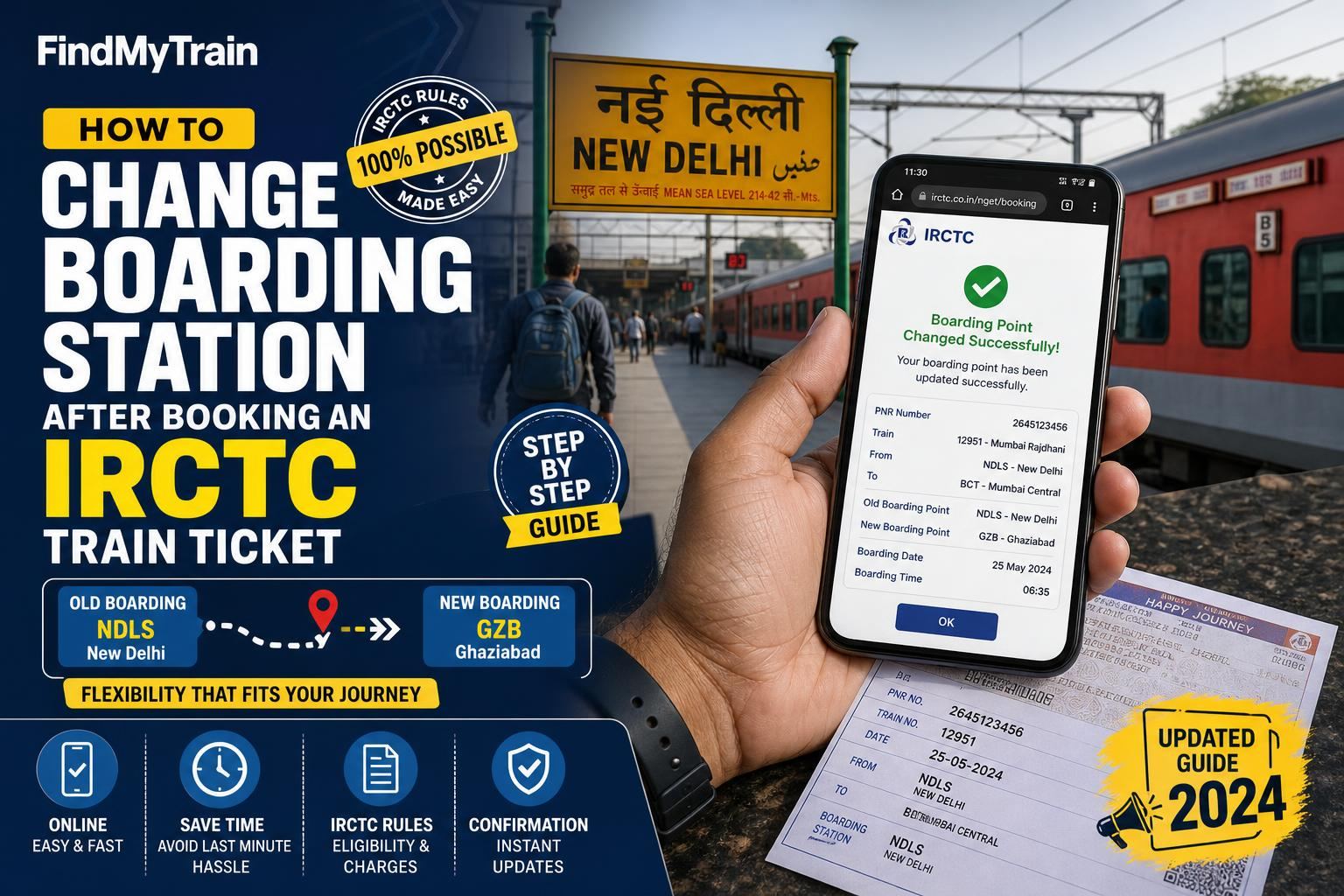
You can change your boarding station after booking an IRCTC ticket, but only once per ticket, and only until chart preparation (usually 4 hours before train departure). The process is simple on the IRCTC website or app. If online change fails, you have a backup option at the station counter before the chart is made.
Quick Answer: How to Change Boarding Point Online
- Open the IRCTC website (irctc.co.in) or IRCTC Rail Connect app and log in.
- Go to My Account > My Transactions > Booked Ticket History.
- Select your ticket (look for the PNR you want to modify).
- Click "Change Boarding Point" (this link appears if your ticket is eligible).
- Pick the new boarding station from the drop-down list. You can only choose a station after your original boarding point (not before).
- Confirm and submit. You’ll get a confirmation SMS and email.
If you don’t see the "Change Boarding Point" option, your ticket may not be eligible (see below) or the chart may already be prepared.
Rules and Eligibility for Changing Boarding Station
- You can only change boarding ONCE per PNR, and only for confirmed or RAC tickets. Waitlisted tickets are not eligible.
- Change must be done at least 4 hours before the train’s scheduled departure at your original boarding point (before chart preparation).
- The new boarding station must come after your original boarding station on the train’s route.
- Not allowed for tickets booked under certain quotas (like Premium Tatkal, Vikalp, or if you booked through a travel agent).
Fee or Charges for Changing Boarding Point
- No extra charge to change boarding point online before charting.
- You will not get any fare refund if you board from a later station.
- If you board from an earlier station than allowed, you may be penalized by the ticket examiner.
If Online Change Fails: What to Do at the Station
If the online "Change Boarding Point" link is missing or you get an error, you can still try at the reservation counter at your boarding station. Bring:
- Printed or digital copy of your ticket
- Valid ID proof matching the ticket
- Request at least 4 hours before train’s scheduled departure at your original boarding station
Counter staff may ask for a written request. If the chart is already prepared, boarding change is no longer allowed. If the counter says no for a valid ticket, ask for the station master or file a complaint on the official RailMadad portal.
What Happens If You Board From a Different Station Without Changing
- If you board at a station before your original boarding point, you risk a penalty and may be treated as travelling without a valid ticket for that section.
- If you board from the same or after your booked boarding station without changing, it’s usually okay, but your seat can be released if the TTE doesn’t see you at the boarding point.
- If you miss the train at your booked boarding point, the TTE may mark you as "No Show" and give your seat to someone else.
Always change your boarding officially if you plan to join the train from a station after your original boarding point. For more on missed trains and refunds, see refund-rules.
Boarding Change and Tatkal Tickets
- You can change boarding point for normal Tatkal tickets, but NOT for Premium Tatkal or tickets booked under special quotas.
- For regular Tatkal: follow the same process as above.
For details on booking urgency and quotas, see tatkal-booking.
Common Cases Where Boarding Change Fails
- Chart already prepared (less than 4 hours before departure)
- Ticket is fully waitlisted or already cancelled
- Ticket booked through agents or tourist quotas
- Trying to select a station that comes before your original boarding point
- Already changed boarding once
Step-by-Step Example: Changing Boarding from Kalyan to Igatpuri
- Booked: Mumbai CSMT–Varanasi Express, Boarding: Kalyan Jn.
- Now want to board at Igatpuri.
- Log in to IRCTC website > My Bookings > Select PNR > Change Boarding Point.
- Select "Igatpuri" (which comes after Kalyan). Confirm and submit.
- You’ll get a confirmation; your ticket now shows Igatpuri as the boarding station. Use this ticket to board at Igatpuri.
For live updates on when your train will reach the new boarding point, check live-train-status.
Frequently Asked Questions
Can I change my boarding station after chart preparation?
No, you cannot change your boarding station after chart preparation, which is usually 4 hours before the train's departure at the original boarding point.
Is there a fee for changing the boarding station on IRCTC?
No, changing your boarding station online before charting is free. However, you will not get any refund for the unused portion if you board later.
Can I change the boarding station for a waitlisted ticket?
No, only confirmed or RAC tickets are eligible for boarding point change. Fully waitlisted or cancelled tickets can't be modified.
What if I board from a different station without changing my boarding point?
If you board from a later station, the TTE may have already released your seat. If you board from an earlier station, you may be fined for travelling without a valid ticket for that stretch.
How many times can I change the boarding station per ticket?
You can change the boarding station only once per PNR, and only if done before chart preparation.
Is boarding point change allowed for Tatkal tickets?
Yes, for normal Tatkal tickets you can change the boarding station. Not allowed for Premium Tatkal or some special quotas.