
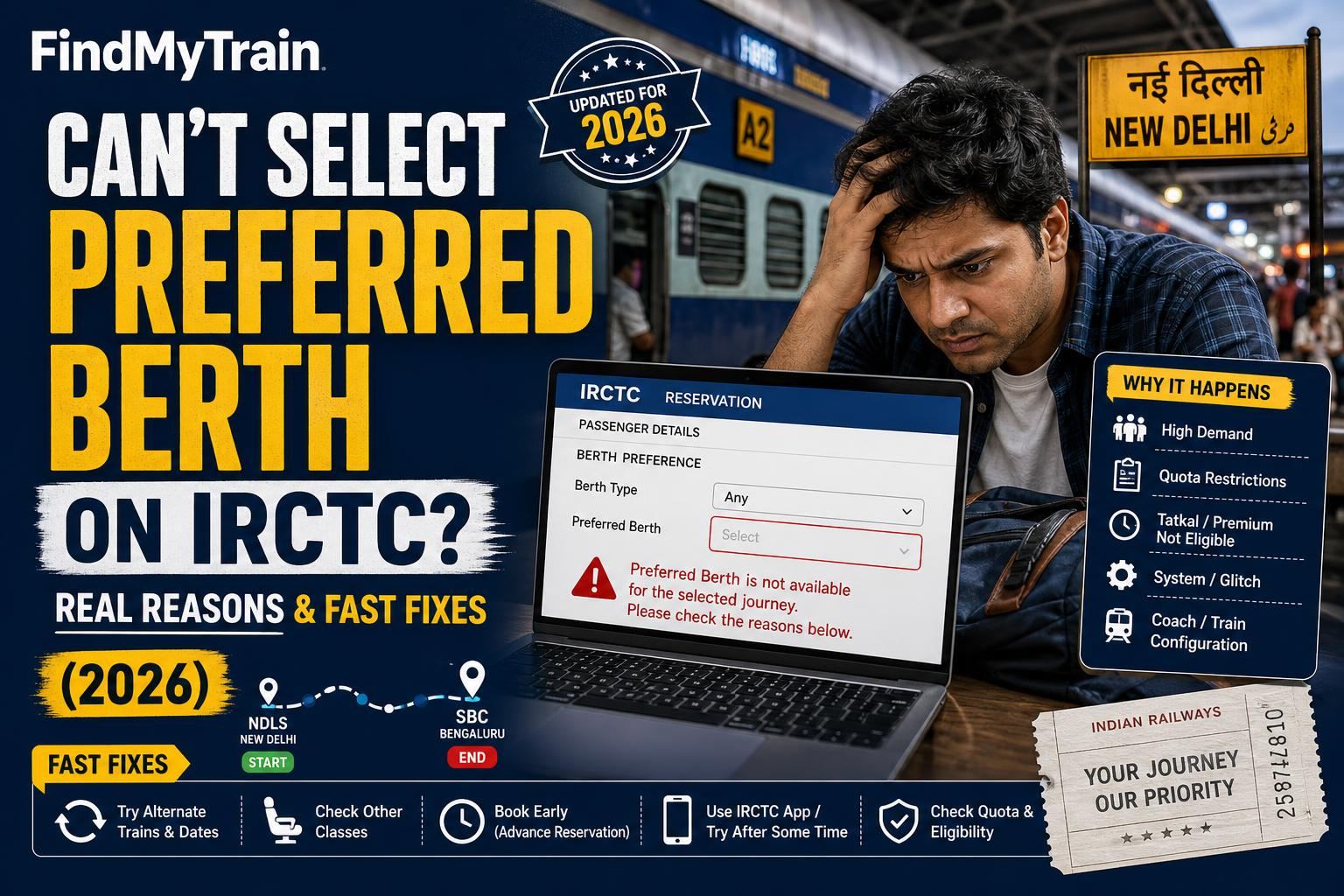
If you can't select your preferred berth (lower, middle, upper, side) during IRCTC booking, it's usually because quota rules, seat availability, or booking type restrict the choice. You can often fix this by changing your options or timing — here's how.
Preferred Berth Option Greyed Out? Why It Happens
On the IRCTC app or website, the berth preference dropdown may be disabled or missing entirely. The most common reasons:
- Very few seats left: If only a handful of berths remain, IRCTC removes the preference option to speed up booking.
- Booking under Tatkal or Premium Tatkal: Berth preference is not allowed. IRCTC auto-allocates any available berth. See Tatkal booking rules for more.
- Booking in certain quotas: Ladies, Senior Citizen, and some other quotas may not permit specific berth requests.
- Group bookings (multiple passengers): If the number of passengers is large, or a mix of male/female/age, IRCTC may override individual preferences for safety and grouping reasons.
- Special trains or short-notice trains: These may disable berth choice entirely.
Fastest Fixes: Step-by-Step on IRCTC App & Website
- On the "Book Your Ticket" screen, check the 'Berth Preference' dropdown after entering passenger details.
- If it's disabled, try reducing the number of passengers — set to 1 and check again.
- Change quota from "Tatkal" to "General" if possible; berth preference is disabled for Tatkal.
- Pick a different train or class (e.g., from SL to 3A). Sometimes one class has more open berths.
- Try a different journey date. Close-to-full trains drop berth selection.
- If booking for a Senior Citizen and the option is missing, check if you're using the "Senior Citizen Concession" quota — try "General" instead. See Senior Citizen Concession for details.
If you still can't select, IRCTC's system will auto-assign any available berth.
Berth Selection Not Available in Tatkal, Premium Tatkal, or When Few Seats Left
The following table shows when berth preference is allowed:
| Booking Type | Berth Selection Allowed? |
|---|---|
| General (Normal) | Yes, if seats are available |
| Tatkal | No |
| Premium Tatkal | No |
| Current Booking (After Chart) | No |
| Special Trains | Varies, usually No |
| Very few seats in any class | No |
For Tatkal and Premium Tatkal, you cannot select a berth, even if you see 20+ seats available. The system picks randomly.
How IRCTC Assigns Berths When Your Preference Isn't Possible
When you can't pick a berth, IRCTC's "auto allotment" will:
- Try to keep all passengers on a single ticket together, if possible.
- Prioritise lower and side-lower for senior citizens in General quota only.
- Assign whatever is left, regardless of age or gender, if few berths remain.
If you need a specific berth for a medical reason, you can request it from the TTE onboard, but it is not guaranteed.
When to Try Again and When to Accept the Allotted Berth
- If you're booking well in advance (more than 30 days ahead) and cannot select a berth, try again at a less busy time (after midnight or early morning) when system load is lower.
- If you must travel on a crowded date or during festivals, accept that you may get any berth. For alternatives, check cancelled trains or live train status for last-minute seat openings.
What Happens If You Don't Get Your Preferred Berth?
If you entered a preference but got a different berth, it means IRCTC couldn't meet your request due to limited availability or quota rules. There is no refund or compensation for berth mismatch. You can:
- Request a change from the TTE after boarding, who may be able to swap if others are willing.
- For overnight journeys where lower berths matter (elderly, medical), consider carrying a medical certificate or approaching the station supervisor before boarding — but no guarantee.
Berth preferences are always "best effort", never guaranteed.
When to Contact IRCTC or Railway Officials
If the berth selection option is missing for all trains, classes, and quotas — even days or weeks in advance — and you see this on both the website and app, there could be a technical glitch. Try these steps:
- Clear browser/app cache and retry.
- Log out and log in again.
- Try a different device or internet connection.
- If the problem persists, use the "Raise Ticket" option on irctc.co.in or call IRCTC Customer Care.
For issues with ticket refunds or cancellations, refer to refund rules.
Frequently Asked Questions
Why can’t I select a lower berth on IRCTC?
Lower berth selection is only available if enough berths are left and you’re booking under General quota. If only a few seats remain or you’re booking Tatkal/Premium Tatkal, you cannot pick a specific berth.
Is berth preference guaranteed on IRCTC?
No. Even if you select a preferred berth, IRCTC only tries to allot it if available. If not, you get any available berth.
How to get a lower berth for senior citizens?
Book under General quota, not Tatkal. Choose lower berth as preference. Senior citizens are prioritised, but only if such berths are available.
Does IRCTC allow berth selection in Tatkal?
No, for Tatkal and Premium Tatkal bookings, berth selection is always disabled. The system assigns any available berth.
Can I change my berth after booking?
Not online. You can request the TTE after boarding, but changes depend on seat availability and willingness of other passengers to swap.