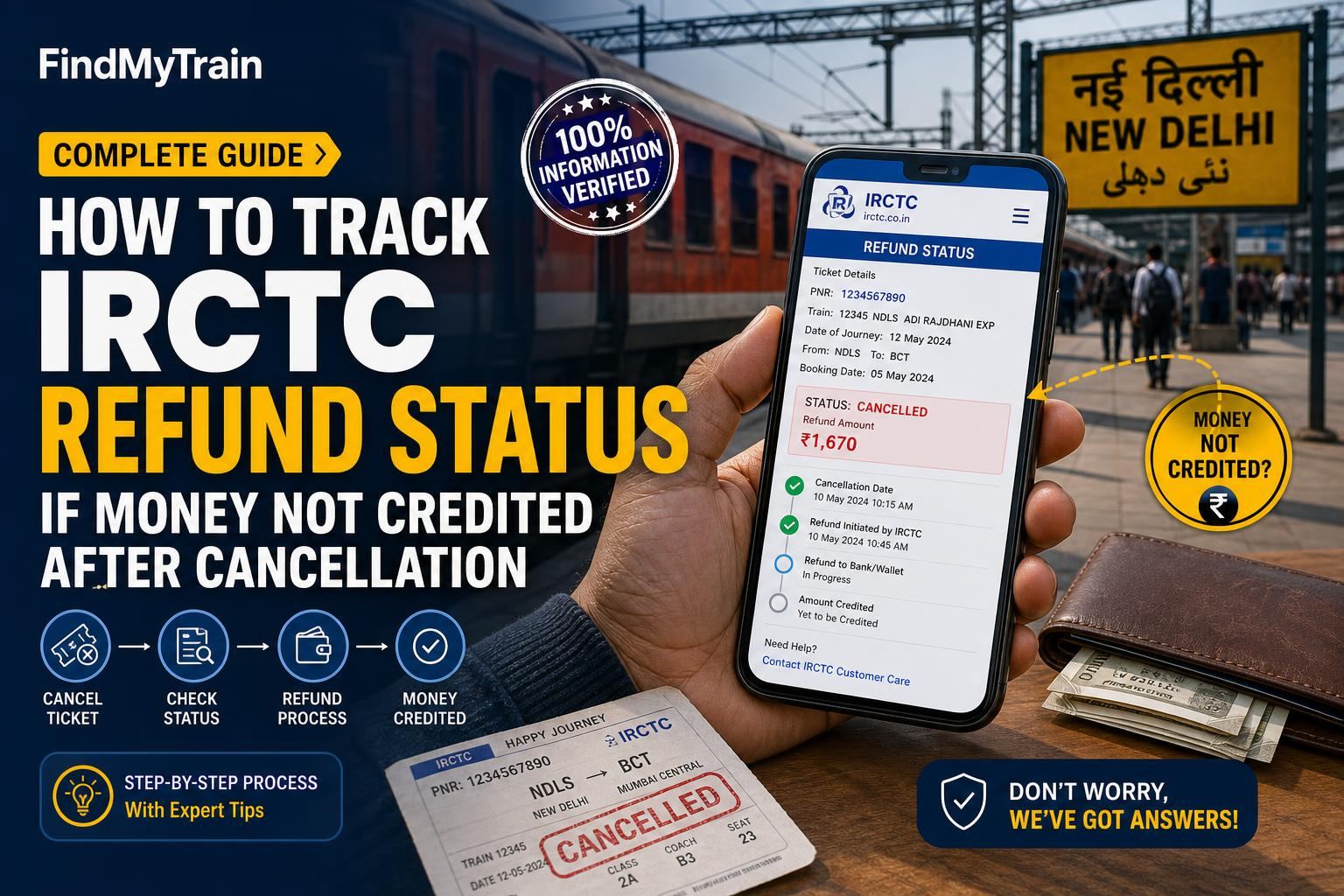
If you cancelled an IRCTC train ticket and your refund hasn’t shown up, you can check the refund status directly on the IRCTC website or app. Most refunds arrive within 3-7 working days. If it's been longer, follow the steps below to find out where your money is and what to do if it's stuck.
If Your Refund Has Not Arrived in 7 Days
Refunds for cancelled tickets usually reach your bank account, card, or e-wallet within 3 to 7 working days. For UPI and wallet payments, it can be even quicker. If you haven’t received your money after a week, it’s time to check the status and raise a complaint if needed.
How to Check IRCTC Refund Status on the Website
- Go to irctc.co.in and log in with your account credentials.
- Click on My Account (top right corner).
- Select My Transactions.
- Click Ticket Refund History. This shows a list of your cancelled tickets and their refund status.
- Find your cancelled ticket (use PNR or date to identify). Check the Refund Status column:
- If it says Refund processed, note the refund date and amount.
- If it says Refund not processed or Refund Failed, see the next section.
Checking Refund Status on the IRCTC Rail Connect App
- Open the IRCTC Rail Connect app and log in.
- Go to My Bookings.
- Tap on Cancelled Tickets.
- Find the relevant ticket and tap to view details. Refund status will be shown here.
If Refund Status Shows as Processed But Money Not Credited
If IRCTC says your refund is processed, but you don’t see it in your bank or wallet, try these steps:
- For cards/netbanking: Check your statement for the refund date shown on IRCTC. Sometimes it appears as a reversal, not a new credit.
- For UPI/wallet: Check your UPI app or wallet transaction history for the refund date.
- If you still don’t see it, contact your bank or wallet provider with the refund reference number (available on the IRCTC refund page).
If Refund Status is Not Processed or Failed
Sometimes refunds fail due to bank server issues or incorrect payment details. If your refund is ‘Not Processed’ or ‘Failed’ after 7 days:
- Go to the IRCTC Helpdesk (via the website, app, or email [email protected]).
- Submit a complaint. Mention your PNR, transaction ID, date of cancellation, and payment method.
- Attach a screenshot of the refund status from IRCTC and your bank statement showing no credit.
- IRCTC usually responds in 2-5 working days. Track your complaint under ‘Customer Support’ in your IRCTC account.
Refund Timelines by Payment Method
| Payment Method | Refund Time (Working Days) |
|---|---|
| UPI | 1-3 |
| Debit/Credit Card | 3-7 |
| Net Banking | 3-7 |
| IRCTC Wallet/Paytm/others | 1-3 |
| International Cards | 7-10 |
If your refund takes longer than these periods, open a complaint with IRCTC.
How to Escalate If Refund is Still Not Received
- If IRCTC support does not resolve your query within a reasonable time, escalate using their Public Grievance Redressal portal (available on irctc.co.in under ‘Customer Care’).
- Alternatively, tweet to @IRCTCofficial with your ticket details. Public complaints usually get quicker attention.
- If your journey is urgent, keep a screenshot of your complaint and refund status. This helps if you need to explain to your bank or escalate further.
Special Cases: Tatkal, Waitlisted, and Partial Cancellations
- Tatkal cancellations: If your Tatkal ticket was waitlisted and never confirmed, you are eligible for a refund (minus minimal clerk charges). Refunds for confirmed Tatkal cancellations are not allowed.
- Waitlisted e-tickets: If your ticket stayed waitlisted after chart preparation, refund is automatic within timelines above. For counter tickets, claim refund at the station.
- Partial cancellations: Refund is processed only for cancelled passengers. The refund status will be shown separately for each passenger on the ticket.
For more on refund eligibility, see our refund rules guide.
Where to Find Your Refund Reference Number
Your refund reference number or ARN (Acquirer Reference Number) is shown in the refund details on the IRCTC website/app. Share this with your bank if they can’t trace the credit. If you can’t find it, ask IRCTC support to provide it when you raise a complaint.
If You Booked via Agents or Third-Party Apps
- If you booked using a travel agent, Paytm, PhonePe, or another app, check refund status on their portal/app as well. They may hold funds briefly before crediting them to your bank.
- Contact the app/agent’s customer support if refund is delayed even after IRCTC shows it processed.
How to Avoid Refund Delays Next Time
- Use UPI or IRCTC Wallet for the fastest refunds.
- Always check your bank and IRCTC refund history before raising a complaint.
- Ensure your bank account is active and not changed/closed since ticket booking.
- Keep a copy of your cancellation confirmation and PNR until the refund arrives.
For live train running updates while you wait, see our live train status tracker.
Frequently Asked Questions
How long does it take to get an IRCTC refund after ticket cancellation?
Most refunds are processed within 3-7 working days for cards and net banking, and 1-3 days for UPI or wallets. If it takes longer, check your refund status on IRCTC.
What should I do if IRCTC shows refund processed but money is not credited?
Check your bank/wallet statement for the credit on the refund date shown. If missing, contact your bank with the refund reference number from IRCTC.
Where can I find the refund reference number (ARN) for my cancelled ticket?
Log in to IRCTC, go to My Transactions > Ticket Refund History, and view the refund details for your ticket. The ARN is listed there.
Do I get a refund if my Tatkal ticket is cancelled?
Refund is allowed only if your Tatkal ticket was waitlisted or RAC and not confirmed. Confirmed Tatkal ticket cancellations do not get a refund.
What if I booked through Paytm or another third-party app?
Check refund status on both IRCTC and the app. Sometimes third-party apps process refunds with a short delay after IRCTC approves it.
How can I contact IRCTC support for refund issues?
Use the IRCTC website/app helpdesk, email [email protected], or escalate via the Public Grievance portal if your issue is unresolved.