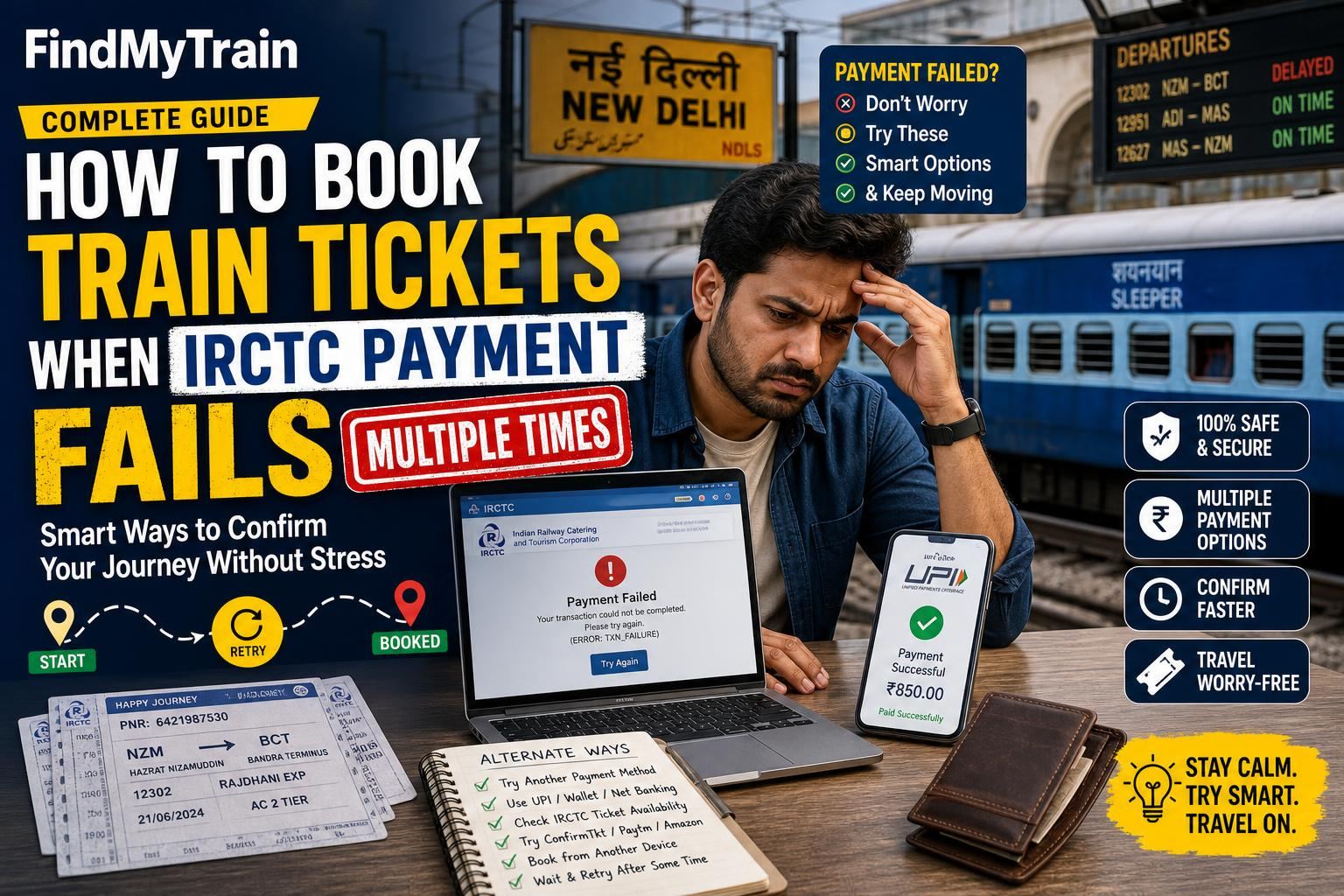
If your IRCTC payment keeps failing, switch payment methods, try a different device or browser, or use the IRCTC app. Don’t keep retrying the same way—see below for the quickest fixes that regular train travellers use.
Switch to a Different Payment Method Right Away
IRCTC supports many payment options: UPI, netbanking, credit/debit cards, wallets, and more. If your first payment fails, don’t keep trying the same method. For example, if UPI is stuck or “pending”, use netbanking or a card instead. Some banks and UPI apps are less reliable during Tatkal or busy times.
- If UPI fails, use a credit/debit card or netbanking from a different bank.
- If card payment fails, try UPI with a different app (e.g., switch from PhonePe to Google Pay).
- Prepaid wallets (like Paytm) often work even when banks are slow, but you must load the wallet first.
- IRCTC’s own iPay gateway is sometimes more stable than others.
Use the IRCTC App if the Website is Failing
If you’re on the IRCTC website and get payment errors, download and log in to the official IRCTC Rail Connect app. Some payment failures only happen on the website, especially during peak periods like Tatkal hours. The app’s payment flow is more reliable for many people.
- Download the app from the Play Store or App Store (search "IRCTC Rail Connect").
- Login with your IRCTC ID.
- Re-enter your journey and passenger details. Your previous failed attempt will not block you.
For detailed IRCTC app booking steps, see booking via the IRCTC app.
Clear Payment Blockers: Cookies, Cache, and Ad-Blockers
If you’re using a browser, payment failures sometimes happen due to stored cookies, cache, or browser extensions. Here’s what works:
- Clear your browser’s cache and cookies.
- Disable any ad-blockers or privacy extensions for irctc.co.in.
- Use an incognito/private window for a fresh session.
- If you’re on a slow network or public Wi-Fi, switch to a mobile data connection.
Don’t Double-Pay: What Happens if You’re Charged But Ticket Isn’t Booked?
If you see “Payment Failed” but your bank or UPI app shows money debited, don’t panic. IRCTC will automatically refund failed payments within a few working days—usually 3-7 days, sometimes faster for UPI. You can check refund status under “Booked Ticket History > Failed Transactions” on IRCTC.
- Never try to book again using the same payment window—open a new booking after confirming the previous attempt failed.
- Keep screenshots of your payment attempt and transaction ID if the amount was debited.
- For refund-specific help, read IRCTC refund rules.
What to Do if Payment Fails During Tatkal Booking Hours
During Tatkal (10:00 AM for AC, 11:00 AM for Sleeper), payment gateways often get overloaded. Here’s what works for regular Tatkal bookers:
- Use IRCTC’s iPay, or a major bank’s netbanking—these are less likely to time out during peak demand.
- Have multiple payment options ready. If one fails, switch to another immediately—speed is important for Tatkal.
- Don’t wait for a stuck UPI transaction to resolve; just open a new booking window and retry with a different method.
- If you consistently see “Payment Pending” for UPI, use a card or netbanking instead.
More tips for time-sensitive bookings: Tatkal booking guide.
If None of the Above Work, Try These Last Resorts
- Switch devices—try a different phone or a desktop/laptop.
- Ask a friend or family member to book from their IRCTC account and device.
- Book via a physical railway reservation counter if time allows—especially for urgent travel and repeated online payment failures.
- Consider booking through authorized travel agents (they use their own IRCTC login and payment systems).
When to Contact Support and What to Tell Them
If you’ve tried several payment methods, devices, and connections, and still cannot book, contact IRCTC customer care:
- Use the IRCTC “Customer Support” page or email [email protected].
- Mention your IRCTC user ID, train/date/class you tried, payment method, bank/UPI reference, and exact error message.
- If money was debited but ticket not booked, include the bank/UPI transaction reference number.
For status of your booking or refund after payment failure, check PNR status and your “Failed Transactions” section on IRCTC.
What Causes IRCTC Payment Failures: The Real Reasons
- Payment gateway overload, especially during Tatkal and festival periods.
- Slow bank servers or failed two-factor authentication (OTP delays).
- Network drops during payment (especially on mobile data).
- Browser/app session expired (idle too long on the payment page).
Switching methods or devices usually fixes the problem quickly.
Frequently Asked Questions
Why does my IRCTC payment keep failing even when money is debited?
This usually means the payment did not reach IRCTC on time due to gateway or bank delays. The ticket will not be booked, but your money will be refunded automatically within a few days. Check your IRCTC 'Failed Transactions' for status.
Which payment method is most reliable for IRCTC bookings?
IRCTC iPay, major bank netbanking, and credit/debit cards are generally most reliable, especially during Tatkal hours. UPI works well outside peak times but can get stuck when traffic is high.
Can I book the same ticket again if payment fails?
Yes. Just start a new booking after confirming the previous attempt failed and you have not been allotted a seat. Don't use the same payment window again; refresh or start over.
How long do IRCTC refunds take after a failed payment?
Refunds for failed transactions are usually processed within 3–7 working days. UPI refunds may be faster (sometimes within hours), but it depends on your bank.
Is it safer to book train tickets from a computer or mobile app?
Both are safe, but if you face repeated payment failures on one, try the other. The IRCTC Rail Connect app is often more stable during peak times.