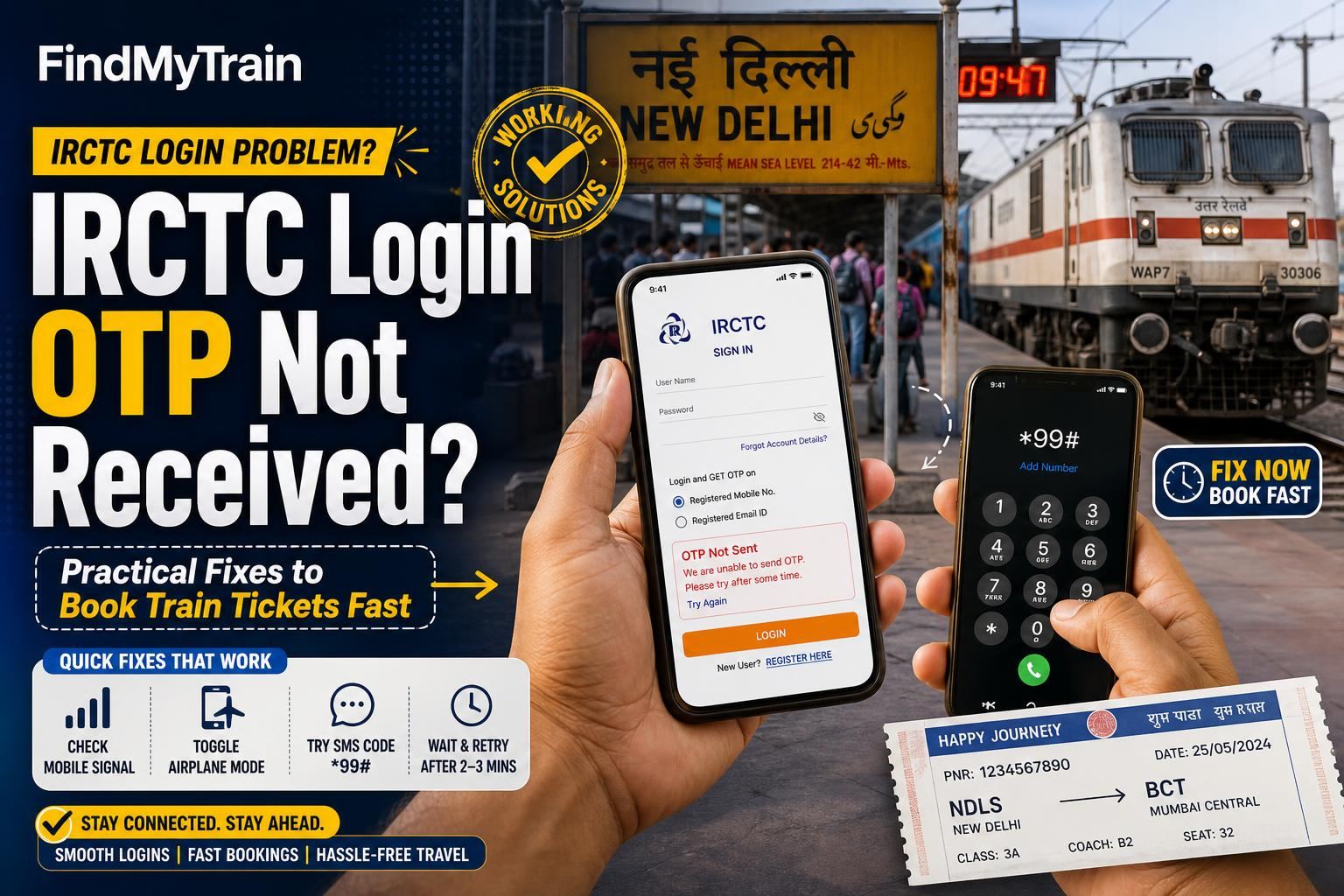
If your IRCTC login OTP is not arriving, you can still book tickets fast by trying proven troubleshooting steps. Here’s exactly what to do, in order, to get your OTP or log in another way.
Most Common Reason: Delays or Blocks by Mobile/Email Providers
IRCTC sends OTPs by SMS and sometimes email. Most non-deliveries happen because:
- Your phone is in low network or Do Not Disturb (DND) mode
- Your inbox is full, or email is filtered as spam
- Network or server issues at your mobile provider (Jio, Airtel, Vi, BSNL)
- Using an international SIM or number outside India
First: Try These Quick Fixes
- Move to an area with strong mobile signal. Wait 60 seconds.
- Switch airplane mode ON and OFF. Try resending the OTP.
- Restart your phone. Open the IRCTC app or visit irctc.co.in again and request OTP.
- If using email OTP: Check your spam/junk folder for the code.
- Do not use dual SIM for IRCTC OTP. Insert the SIM registered with IRCTC in slot 1.
- If booking for another person, ensure their mobile is reachable and active.
If You Still Don’t Get the OTP: Workarounds That Often Work
- Click “Resend OTP” on the login page. You can do this up to 3-5 times before IRCTC blocks further attempts for a short period.
- Try logging in via the IRCTC website if the app is not working (how to use the website).
- Switch between mobile data and WiFi, as some ISPs block certain SMS gateways.
- Use a different device to log in, but always enter the mobile number/email registered with your IRCTC account.
- Some users find that using the IRCTC Rail Connect app triggers OTPs better than the website, or vice versa. Try both.
Check for Account Lock or Temporary Ban
Multiple failed OTP attempts may cause a temporary lock (usually 24 hours). If you see an error like “Too Many Attempts” or “Account Locked,” you must wait or contact support.
- Do not try to force login repeatedly—it extends the lock period.
- If your IRCTC account is locked, reset your password using “Forgot Password” and follow the prompts. If you can’t reset, try after a few hours.
IRCTC OTP Delays: When to Contact Support
If none of the above works after 15-20 minutes, do the following:
- Email [email protected] with your registered mobile and issue details.
- Call IRCTC helpline: 139 (select option for website/app issues).
- Tweet at @IRCTCofficial (public queries often get fast responses).
- Visit a physical railway reservation counter if urgent and you cannot book online.
Support can unblock your account or check if there’s a wider OTP outage.
If You Need to Book Tatkal or Time-Sensitive Tickets
If booking urgent Tatkal tickets and facing OTP problems, consider:
- Asking a friend or family member with an active IRCTC account to book for you (entering your passenger details at checkout).
- Trying third-party agent sites, but only if you trust them—these are often slower and may charge higher service fees.
- Going to a PRS counter. For Tatkal, counters open at 10 AM (AC) and 11 AM (non-AC), but lines start early.
How to Prevent Future IRCTC OTP Problems
- Keep your registered mobile number active, with no DND or call-blocking apps.
- Update your IRCTC profile if you change your phone number or email.
- Avoid using international numbers—Indian numbers work best for OTP.
- Do not share your account with others. Frequent logins from different locations can trigger extra OTP checks or locks.
- Consider linking Aadhaar to your IRCTC profile if you haven’t already. This sometimes reduces authentication friction; see Aadhaar linking rules.
If Your Ticket Payment Fails Due to OTP Issues
If you managed to select a train and enter passenger details, but payment failed because you couldn’t log in to IRCTC or complete OTP, check your refund status. Failed payments on IRCTC are usually auto-refunded to your source account within 3-7 days. See refund rules for details.
What to Avoid When Facing OTP Problems
- Do not register a new IRCTC account with the same mobile/email immediately—it may get blocked for duplicate details.
- Do not install shady SMS apps or use “OTP bypass” tricks. These can compromise your account security.
- If you get an OTP but did not request it, change your password—someone may be trying to access your account.
Frequently Asked Questions
How long does IRCTC usually take to send an OTP?
Most IRCTC OTPs arrive within 10-30 seconds. During high traffic (Tatkal openings, festivals), delays of 2-5 minutes can occur. If it takes longer, try the fixes above.
Can I book tickets on IRCTC without an OTP?
No, you need to complete OTP verification to log in and book tickets. If the OTP isn’t arriving, use the troubleshooting steps, or ask someone else with an active account to book for you.
Why do I get 'Account Locked' after multiple OTP attempts?
Too many failed OTP or login attempts trigger a temporary lock, usually for 24 hours. Reset your password or contact IRCTC support if you need urgent access.
What if my registered mobile number is lost or not working?
You need to update your number in your IRCTC profile. If you can’t log in, email [email protected] with proof of ID and request a mobile update.
Does linking Aadhaar help with IRCTC OTP issues?
Linking Aadhaar to your IRCTC account helps with some authentication problems but does not bypass OTP. It can, however, reduce account-verification steps in some cases.