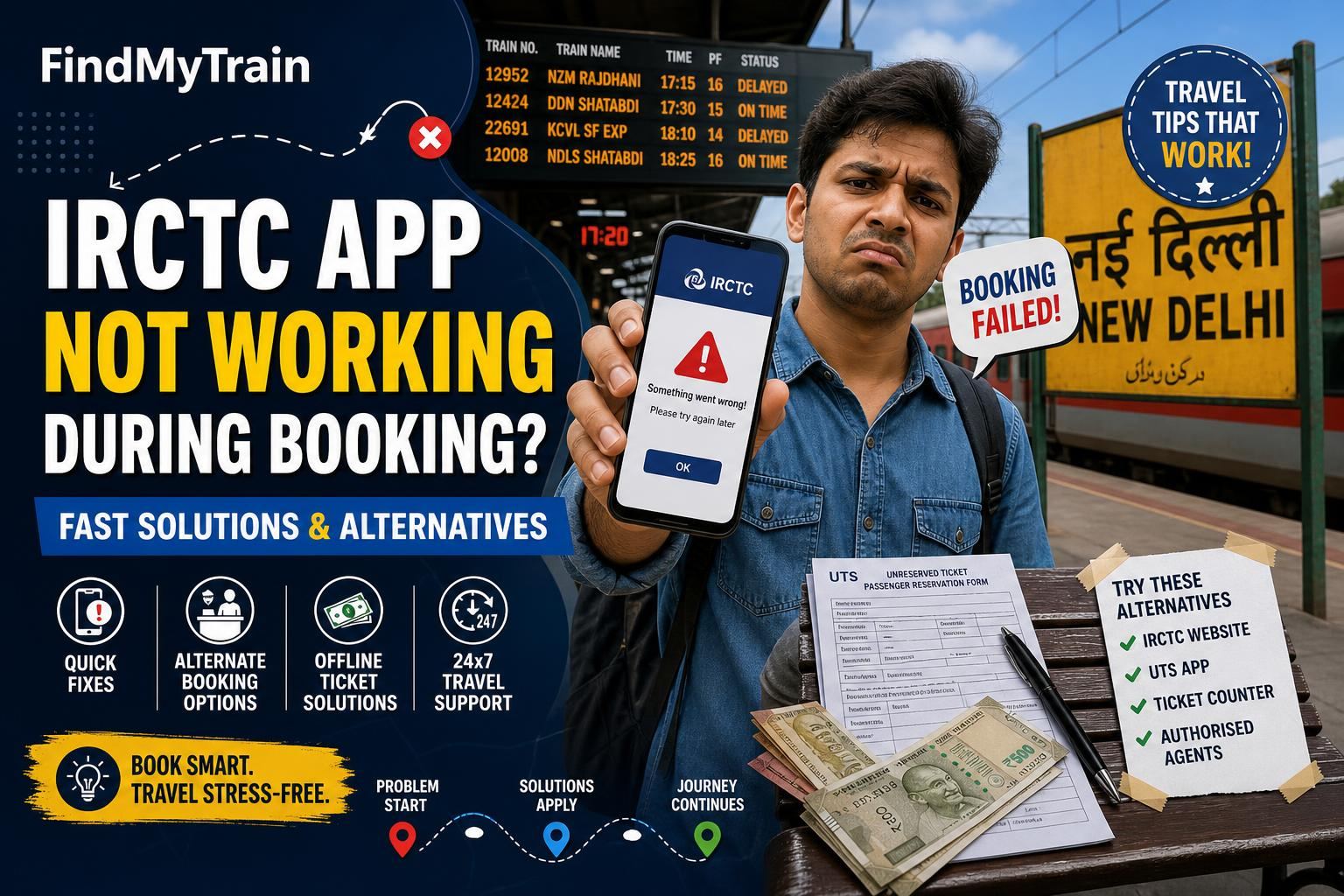
If the IRCTC app is not working during the booking window, don’t panic—you still have ways to get your train ticket. Try these quick fixes first, and if nothing works, switch to one of the alternatives below to avoid missing your chance.
First, Close and Reopen the App (Don’t Just Minimize)
When the IRCTC Rail Connect app freezes, force close it completely. On most phones:
- Android: Tap the square/recent apps button, swipe the IRCTC app away, then relaunch.
- iPhone: Double-tap home or swipe up and pause, then swipe the IRCTC app up to close.
Now reopen the app and try logging in again. If you get an error about “Session Expired” or “Service Not Available”, move to the next step.
If You’re Stuck on Login or OTP Screen, Switch to Mobile Data
IRCTC’s servers can get overloaded, especially right at 10 AM (Tatkal) or 8 AM (General booking). If you’re on Wi-Fi and the app won’t load:
- Turn off Wi-Fi and switch to mobile data (or vice versa).
- Try again—sometimes one network gets blocked or slowed.
If you still can’t get in, skip to using the website or another method below.
App Keeps Crashing or Loading Forever? Clear Cache and Data
Corrupted app data is a common culprit. To fix this:
- On Android: Go to Settings > Apps > IRCTC Rail Connect > Storage. Tap Clear Cache first, then Clear Data. Reopen the app and log in again. You may need to enter your password and set your PIN.
- On iPhone: Uninstall the IRCTC app, then reinstall it from the App Store. Log in again.
If you’ve just updated the app, this is especially likely to help.
During Tatkal: App is Slow or Says ‘Payment Failed’? Try These
- If payment hangs or shows a blank screen after bank login, don’t refresh immediately. Wait 1-2 minutes; sometimes the server is slow but will recover.
- If it says “Transaction Failed” but money is debited, check your PNR status before retrying. Duplicate payments are rare but possible.
- Use UPI or netbanking for faster payment responses. Credit/debit cards are more likely to time out during peak hours.
Alternatives If IRCTC App Still Won’t Work
When the IRCTC app is down or laggy, use these alternatives in order of speed:
- Official IRCTC Website (mobile or desktop browser)
- Go to irctc.co.in on Chrome, Edge or Safari.
- Log in with your IRCTC user ID.
- Booking steps are similar to the app. Some users find the website more stable especially during Tatkal opening. - Partner Booking Apps (Paytm, MakeMyTrip, Amazon, PhonePe)
- These apps connect to IRCTC but may be less crowded.
- You must enter your IRCTC credentials when prompted.
- Some don’t support all quotas (like Premium Tatkal), but for general or Tatkal tickets, they’re a strong backup. - Railway Station Counters
- If booking online fails repeatedly, especially for urgent cases, go to your nearest station’s reservation counter.
- Carry a print or screenshot of your train details and ID proof for faster service.
App Still Not Working? When to Contact Support
If you keep seeing server errors, can’t log in after clearing cache/data, or payments fail repeatedly (but money is debited), contact IRCTC customer care via:
- 24x7 helpline: 139 (select language, then IVR options for online ticketing)
- Email: [email protected]
- Raise a ticket at www.irctc.co.in under ‘Customer Support’
For failed payments and refunds, see refund rules for timelines and claim process. If your travel is urgent, always try booking from a different device or method before waiting for a response.
Quick Comparison: IRCTC App vs Alternatives During Booking Rush
| Method | Speed During Rush | Supports Tatkal? | Notes |
|---|---|---|---|
| IRCTC App | Fast if working | Yes | Can freeze at peak times |
| IRCTC Website | Usually more stable | Yes | Use mobile browser if on phone |
| Paytm/MMT/Other Apps | Moderately fast | Yes (not all quotas) | Requires IRCTC login |
| Station Counter | Depends on queue | Yes | Manual form needed |
Tips to Prevent IRCTC App Issues Next Time
- Update the app well before booking day, not during the rush.
- Set a strong PIN for IRCTC login; weak passwords trigger extra verification.
- Have both app and website logins ready. Bookmark irctc.co.in in your phone browser.
- Prepare payment details (UPI, netbanking, cards) in advance to avoid typing errors under pressure.
For step-by-step guidance on alternate booking methods, see how to book tickets on apps or the IRCTC website guide.
Frequently Asked Questions
Why does the IRCTC app crash exactly at 10 AM or 8 AM?
Those are the opening times for Tatkal and General bookings. Huge numbers of users log in simultaneously, which can overload the app or servers.
Will I lose money if payment fails but the ticket isn't booked?
Usually not. Failed transactions are automatically refunded by your bank within 3-7 days. For more, check our <a href="/refund-rules">refund rules</a> guide.
Is the IRCTC website more reliable than the app during peak times?
Yes, many users find the website (irctc.co.in) less likely to freeze or crash during high-traffic periods like Tatkal bookings.
Can I use the same IRCTC account on multiple devices at once?
No, IRCTC allows only one active session per user. If you log in on another device, the previous session will log out automatically.
Are partner apps like Paytm or MakeMyTrip safe for booking IRCTC tickets?
Yes, they use official IRCTC APIs. You must enter your IRCTC login details, and bookings are subject to the same quotas and rules.
How do I check if my ticket was booked after an app error?
Go to your IRCTC app or website, check 'My Bookings' or 'Transaction History', or use our <a href="/pnr-status">PNR status</a> tool with your PNR number.