
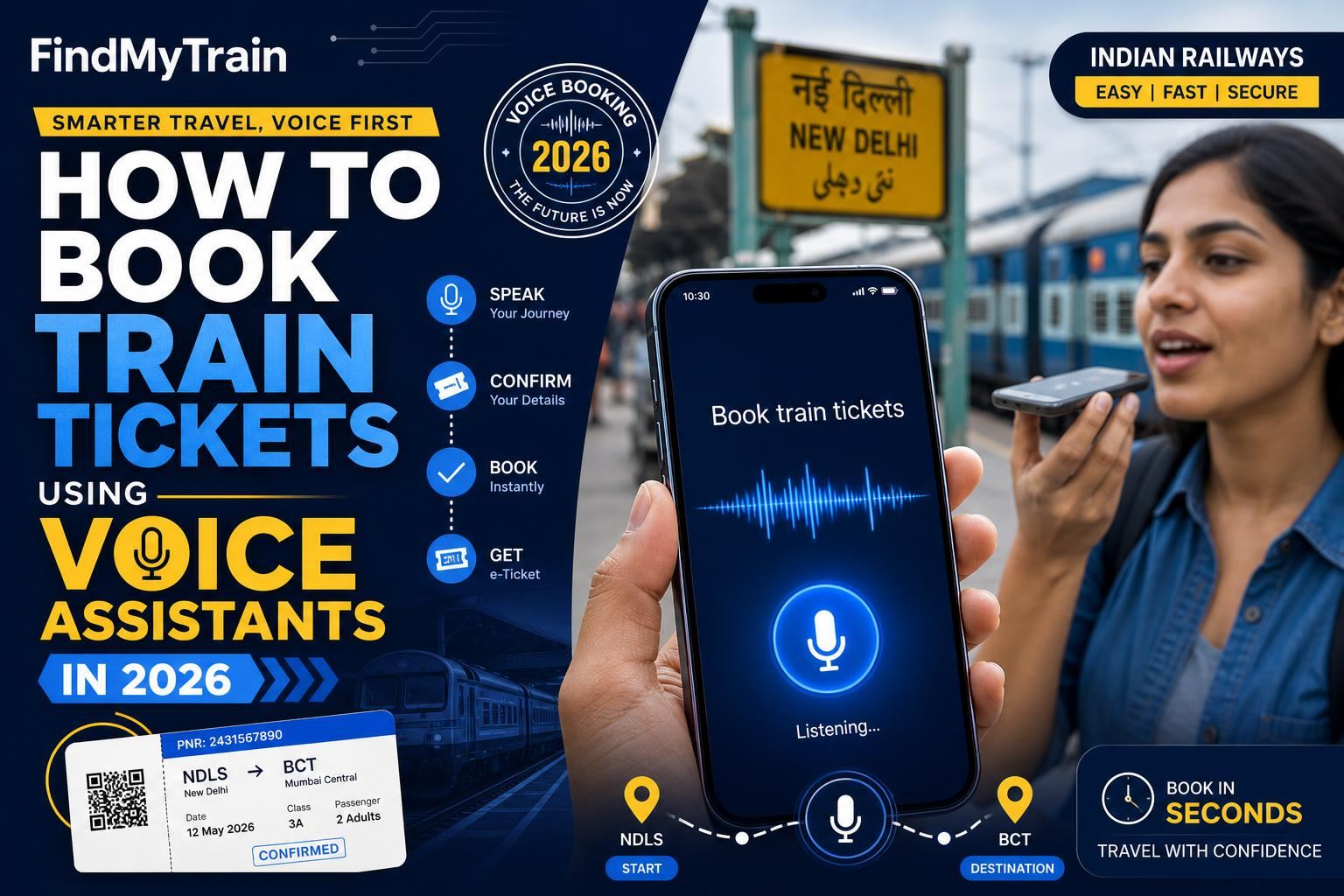
Booking train tickets has become increasingly convenient with the advent of technology. As of 2026, voice assistants have revolutionized the way Indian train travelers can reserve their journeys, offering a hands-free approach to booking tickets. With just a few voice commands, you can access train schedules, check availability, and confirm your bookings from the comfort of your home or on the go.
Our step-by-step instructions will make the process smooth and efficient.
Understanding Voice Assistants for Train Ticket Booking
Voice assistants have become an integral part of our daily lives, offering an array of functionalities, including managing smart home devices, setting reminders, and now, booking train tickets. These AI-powered tools are capable of understanding natural language and executing commands based on user requests.
In India, the integration of voice assistants with train ticket booking services highlights the Indian Railways' commitment to using technology for enhanced customer experience. While voice assistants speed up the process, you need to understand their compatibility and limitations.
To use voice assistants for booking train tickets, you must have an active account with IRCTC, as the service relies on accessing your existing account to process bookings. Ensure your device is connected to the internet and that you have the latest version of the voice assistant app installed.
Step-by-Step Guide to Booking Tickets
Booking tickets via voice assistants involves a few straightforward steps. The process might vary slightly depending on whether you're using Google Assistant, Alexa, or Siri, but the fundamental steps remain the same.
Setting Up Your Voice Assistant
Before you begin, ensure your voice assistant is set up correctly. This involves linking your IRCTC account to the voice assistant. Follow these steps:
- Open your voice assistant app on your smartphone.
- Navigate to the 'Services' or 'Skills' section.
- Search for the 'IRCTC' service or skill.
- Link your IRCTC account by entering your login credentials.
Initiating a Booking
Once your account is linked, you can initiate the booking process:
- Activate your voice assistant by saying the wake word (e.g., "Hey Google," "Alexa," or "Hey Siri").
- Request to book a train ticket by saying, "Book a train ticket from [departure station] to [destination]."
- The assistant will prompt you for travel dates and preferred class (e.g., sleeper, AC).
Confirming and Finalizing the Booking
After providing the necessary details, the assistant will check availability and proceed to confirm the booking:
- Review the travel details presented by the assistant.
- Confirm the booking by saying, "Yes, proceed to payment."
- The assistant will guide you through the payment process using your linked payment methods.
Timing and Costs Involved
Booking train tickets using voice assistants is typically instantaneous, provided all systems are functioning smoothly. However, during peak hours or festival seasons, there might be slight delays due to high server traffic.
The cost for booking via voice assistants is generally the same as using the IRCTC website or app. However, ensure you check for any additional convenience fees or service charges that might apply. For the most accurate and up-to-date fee information, visit irctc.co.in.
It's important to be aware of any booking windows or cut-off times for specific trains, as these can affect your ability to secure a reservation. For emergency bookings, consider the Tatkal service, which can also be initiated via voice assistants. Learn more about Tatkal bookings here.
Common Mistakes and How to Avoid Them
While booking train tickets via voice assistants is convenient, users can sometimes encounter issues. Common mistakes include mispronouncing station names or travel details, leading to incorrect bookings. To avoid this, speak clearly and confirm the details presented by the assistant before proceeding.
Another frequent issue is not having updated payment information linked to your account, which can delay the booking process. Always make sure your payment methods are current and functioning. In case of any discrepancies or errors, verify the booking status on your IRCTC account by checking the PNR status.
Lastly, remember that voice assistants might not support all types of bookings, such as group reservations or specific concession categories. In such cases, it's best to complete the booking directly through the IRCTC website or app.
Practical Tips for Smooth Booking
To enhance your booking experience, consider these practical tips:
- Pre-Check Availability: Before initiating the booking, check train availability and schedules using the voice assistant to avoid unnecessary steps.
- Use Clear Commands: Enunciate clearly and use simple, direct language to ensure the assistant understands your request accurately.
- Enable Notifications: Allow your voice assistant to send notifications for booking confirmations and updates.
Entering an accurate age still matters even though the senior citizen fare concession was withdrawn in 2020 — it is what drives lower-berth allotment, so check the saved passenger details before booking by voice.
Booking train tickets using voice assistants in 2026 is a user-friendly and efficient process. By following this guide, you'll be able to handle the technology with confidence, ensuring a smooth travel experience.
Frequently Asked Questions
Can I book train tickets using Siri?
Yes, Siri can be used to book train tickets if your device is set up with the necessary apps and accounts.
Do voice assistants support Tatkal bookings?
Yes, you can initiate Tatkal bookings via voice assistants, subject to availability and timing constraints.
What happens if my booking fails during payment?
Check your IRCTC account for any pending transactions or retry the booking after ensuring your payment method is active.
Are there additional fees for using voice assistants?
Generally, fees are similar to online bookings, but check with your service provider for any specific charges.
Can I cancel a ticket booked via a voice assistant?
Yes, cancellations can be processed either using the voice assistant or directly through your IRCTC account.