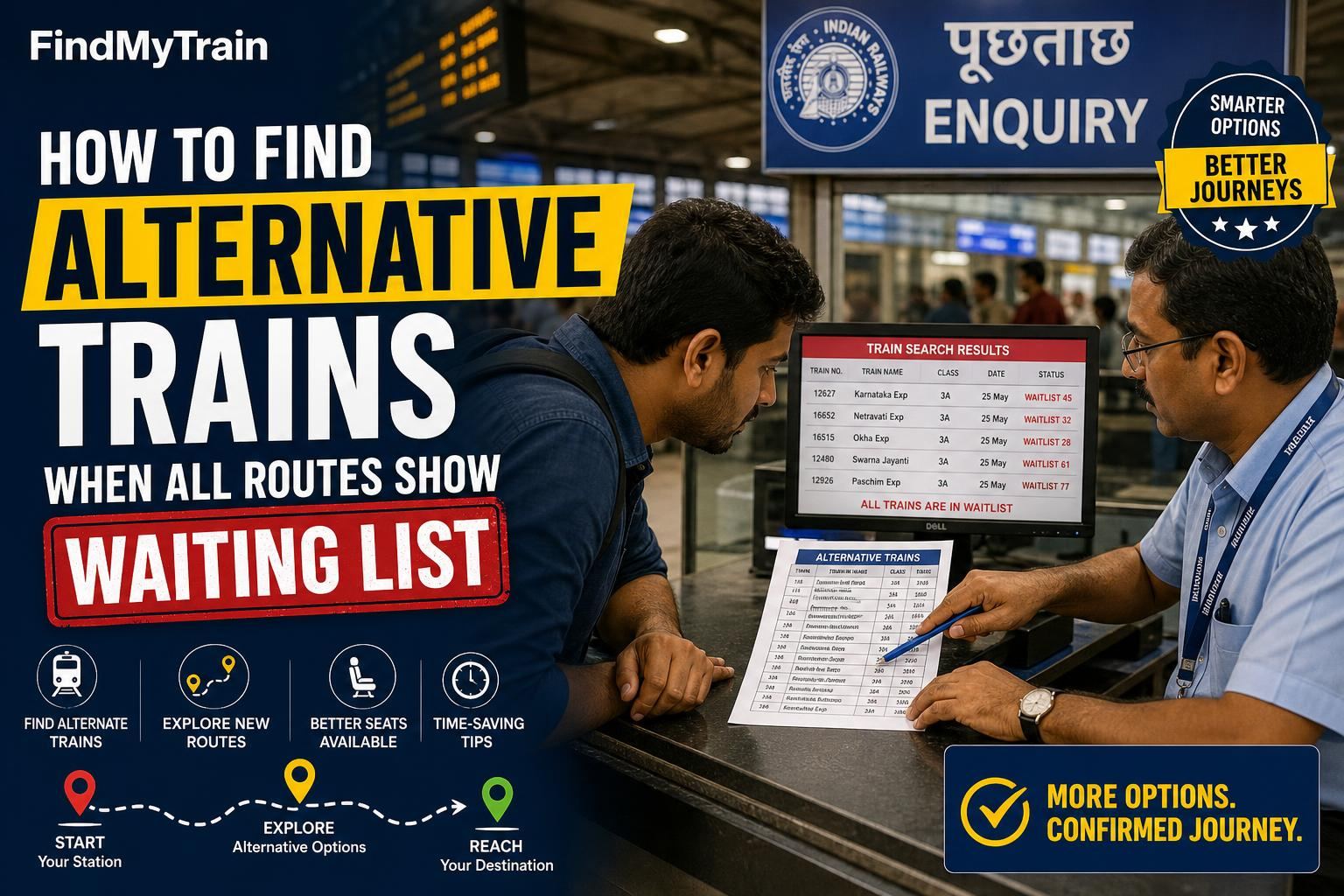
If every train for your route is showing only waiting list, don’t give up. You can often still find a seat by changing your approach—trying nearby stations, split-booking, or different quotas. Here’s how you do it, step by step.
Step 1: Check for Trains From & To Nearby Stations
Seats fill up between popular pairs (like NDLS to ALD), but less obvious combinations sometimes have availability. On the IRCTC website or app:
- Go to ‘Book Ticket’.
- Instead of your exact station, search for big stations 30-60 km before or after your original source/destination. For example, if you want NDLS→ALD, try Ghaziabad (GZB) to Prayagraj Chheoki (PCOI).
- Check availability. If you get confirmed seats, book till there and plan to board/alight accordingly.
Tip: If you’re worried about TTE objections, check your PNR after booking and ask the TTE before boarding from a different station.
Step 2: Split Your Booking Across Multiple Trains
Sometimes, direct trains are full but you can find seats by breaking the journey:
- Search for trains from your source to a big junction midway (e.g., NDLS to Kanpur Central).
- Then search from that junction to your destination (Kanpur Central to Prayagraj).
- If both legs have availability, book them separately. You will need to change trains but get confirmed berths.
Step 3: Try Different Classes and Quotas
Sometimes, 3A and Sleeper are waitlisted, but 2A or even 1A have seats. Or, check for Tatkal quota:
- On the booking screen, toggle to higher classes if you hadn’t already.
- Check the ‘Other Quotas’ drop-down: Tatkal, Premium Tatkal, Ladies, or Senior Citizen quota (if eligible—see senior citizen concession rules).
- Tatkal opens at 10:00 AM (AC classes) and 11:00 AM (Sleeper). Be ready right at opening time for best chances. See Tatkal booking guide for tips.
Step 4: Use the 'Alternate Trains' or 'Flexible With Date' Tool
On IRCTC and most major booking apps, just below the train list, you’ll see options like:
- ‘Show Alternate Trains’—shows trains on similar routes, sometimes with seats.
- ‘Flexible With Date’—shows the same train on +/- 1-2 days, which may have seats.
Tap these and check if shifting your travel by a day helps.
Step 5: Look for Special or Festival Trains
Railways often run extra trains during peak seasons (summer, Diwali, Chhath, etc.). These trains are listed in a separate ‘Special Trains’ tab or under ‘Holiday Special’ in the app.
- Check the official list at irctc.co.in or the ‘Special Trains’ section in your app.
- These trains usually open for booking a few weeks before departure and may have seats when regular trains are full.
Special trains often start from or terminate at non-standard stations, so try nearby big stations as in Step 1.
Step 6: What to Do If All Options Still Show Waiting List
- Check the cancelled trains list—sometimes a train is suddenly cancelled and other trains fill up; check again after a few hours.
- Try for Tatkal the next morning at exact opening time (see above).
- If urgent, check premium trains like Rajdhani, Duronto, or Vande Bharat, which sometimes have last-minute seats in higher classes.
- As a last resort, consider booking a waitlisted ticket, but read refund rules for waitlisted and RAC tickets.
Quick Reference: Steps and What to Try Next
| Approach | What to Do If Full |
|---|---|
| Nearby stations | Try different combinations, both source and destination |
| Split journey | Change the junction, try more break points |
| Other classes/quotas | Check all quota options, higher classes |
| Alternate dates/trains | Expand search to +2/-2 days |
| Special trains | Check multiple big stations around your route |
| All above fail | Try Tatkal at opening time, then waitlist with refund awareness |
If You’re at the Station: Current Reservation Counters
At major stations, the current reservation counter (“PRS counter”) can book unutilized seats just before train departure. These are released a few hours before departure and are not always shown online. Go early, carry ID, and check if any seats are available for your route.
When to Give Up and Look for Non-Train Alternatives
If you have tried all the above, and even Tatkal and current booking counters show nothing, you may need to look at buses, shared cabs, or flights. Booking waitlist tickets in hope of auto-upgrade is risky, especially close to the journey date.
Frequently Asked Questions
How do I find trains with seats if all show waiting list?
Try searching from/to nearby stations, split your journey across 2 trains, check all classes and quotas (Tatkal, Premium Tatkal), and look for special trains. Use the ‘Alternate Trains’ or ‘Flexible With Date’ tools on IRCTC.
What is split booking in IRCTC?
Split booking means breaking your journey into two or more segments, booking separate trains for each, usually via a big junction. This increases chances of finding confirmed seats.
Can I board from my original station if I booked from a nearby station?
Technically, you should board at the booked station. Boarding from another station may be allowed if you inform the TTE, but there’s a risk. Always check your <a href="/guides/pnr-status">PNR status</a> and ask the TTE before boarding.
Are special trains shown on the main IRCTC search?
Not always. Sometimes they appear in a separate ‘Special Trains’ tab or under ‘Holiday Special’ in the app. Always check both the main search and special train sections.
Is it safe to book a waitlisted ticket if all else fails?
It’s a gamble. If your ticket remains fully waitlisted after chart preparation, you won’t be allowed to board and will get a refund. For urgent travel, try Tatkal or current booking, or consider non-train options.